
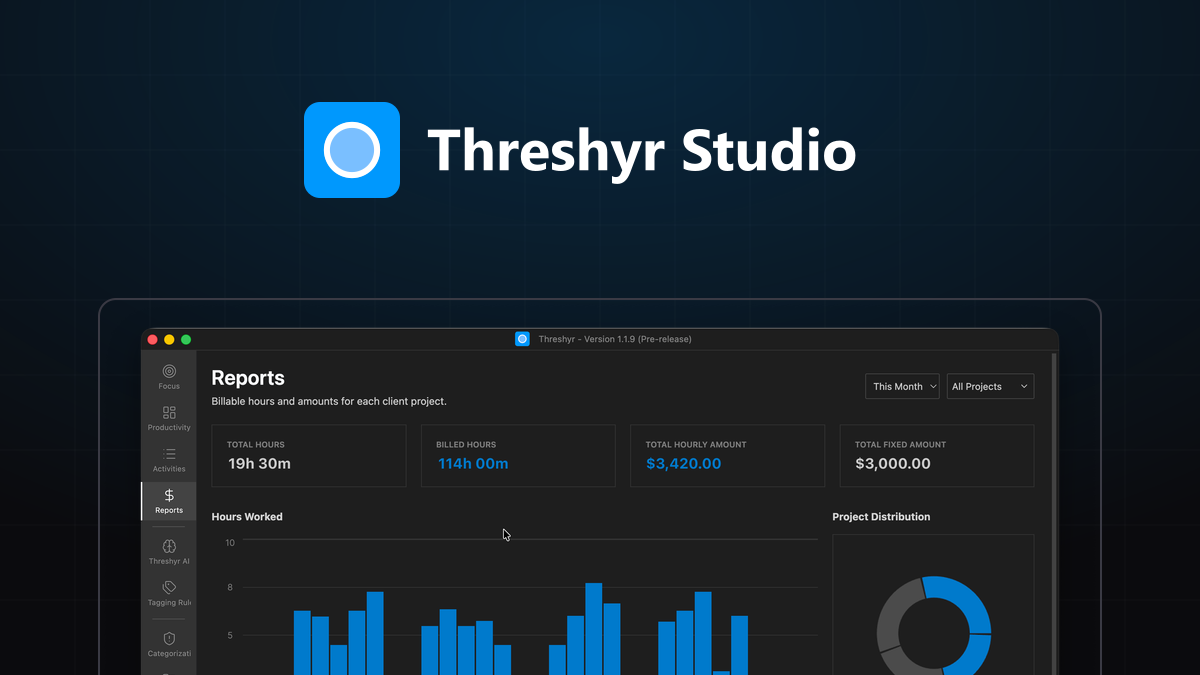
For years, I ended every Friday afternoon the exact same way: staring blankly at a spreadsheet, trying to reconstruct what I had spent forty hours doing, then turning that guess into time estimates for the week ahead.
I was juggling three client contracts alongside building my own side projects. I knew I had worked hard. My eyes were tired, my Git commit log was active, and my browser history was miles long. Yet when it came time to write invoices or estimate next week's deliverables, I was basically guessing.
Did that interface redesign take three hours or seven? How much time did I spend debugging a WebSocket timeout on Tuesday morning versus writing actual product code?
Human memory is notoriously unreliable at estimating time. When we look back at our day, our brain compresses focused state and completely erases context switching, micro-distractions, and administrative drag.
I needed a system that told me the unvarnished truth.
Why Did Traditional Time Trackers Fail to Fix My Time Estimates?
Naturally, I tried every tool on the market: Toggl, Harvest, Clockify, and various desktop utilities. But every single one broke down under the realities of deep knowledge work.
Why Is the Manual Stopwatch Model Unrealistic for Creative Work?
Manual timers require you to remember to click start when you begin a task and stop when you switch. But real engineering and design work does not happen in neat, uninterrupted two-hour blocks.
You write code, jump to a client communication channel to answer an urgent query, inspect a staging database, review a pull request, and glance at documentation. Expecting a human to press a button thirty times a day turns time tracking into a second job. Within two weeks, I would inevitably abandon it (we explore the cognitive drag in detail in why we hate manual time tracking).
Why Does Streaming Desktop Activity to Remote Cloud Servers Cross the Line?
Next, I explored automated background trackers. While they solved the manual timer problem, they introduced an even bigger issue: they sent every active window title, website URL, and document path to remote servers.
As someone who signs non-disclosure agreements and works with proprietary client codebases, having a third-party service log and store every internal customer identifier, confidential repository name, and local file path was unacceptable.
Why Should an Individual Refuse to Pay $20/Month for a Desktop Utility?
Why should an individual developer pay $15 to $20 every single month just to see how many hours they spent in a code editor? Time tracking software does not require massive remote server infrastructure; your desktop already has more than enough capability to process text strings locally.
Why Did I Decide to Build a Local-First Time Tracker from Scratch?
I decided to stop compromising and build the tool I actually wanted to use: Threshyr.
The founding principles were non-negotiable:
- Zero Cloud Uploads: Everything lives on your local disk on your machine.
- Autonomous Background Tracking: No buttons to click, ever. It detects active applications, documents, and tabs automatically.
- On-Device Categorization: Using local intelligence to categorize work sessions into clean project buckets without sending data over the internet.
- Fair, Transparent Pricing: A single, honest yearly licence instead of endless monthly extraction.
What Actually Changed Once My Time Estimates Came from Objective Data?
Having a completely automated, private log of my day fundamentally transformed how I work:
- Accurate Client Invoicing: I discovered I had been under-billing clients by nearly twenty percent due to unrecorded micro-tasks and impromptu debugging sessions.
- Realistic Planning: When estimating new features, I no longer guess based on optimism. I look at historical data of similar tasks.
- Clear Work Boundaries: When I close my laptop in the evening, I know exactly what I accomplished.
Reading a week well is a separate skill from recording one. How to read your week and actually change it covers what to do with the data once you have it.
Download Threshyr for Windows and macOS at /download to track your work automatically and privately for $29 per year during pre-release.

Written by Affan Bajwa
Founder of Threshyr. Passionate about local-first software architecture, developer productivity, and building privacy-first tools for knowledge workers.
Download Threshyr Studio
Free to use during pre-release on Windows and macOS. No account, no card, no sign-up required.
Related Articles

Does Time Tracking and Kanban Really Need to Be Two Separate Apps?
Why do we pay two SaaS subscriptions to manage tasks in Trello and track hours in Toggl? Compare the dual-tool stack with a unified, offline Kanban workflow.

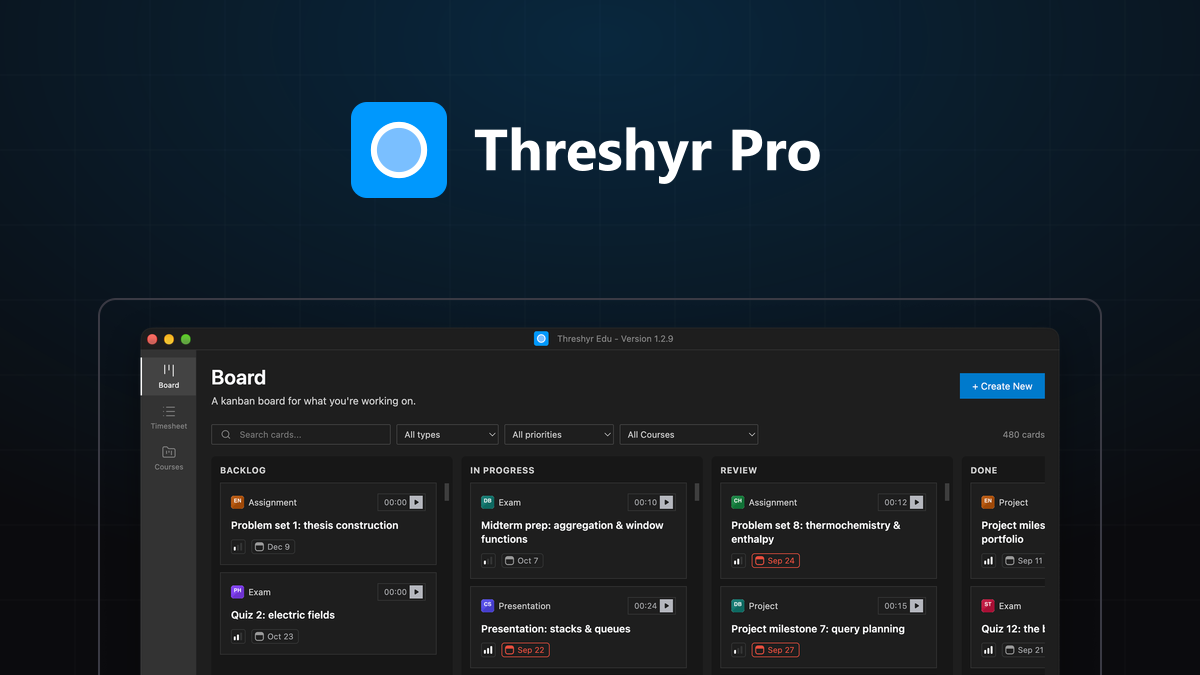
Why We Stop Updating Kanban Boards (And How Fused Time Tracking Fixes It)
Why do Trello and Jira boards decay into graveyards of stale tickets? Explore the two-app friction tax and how fusing time tracking keeps boards alive.