
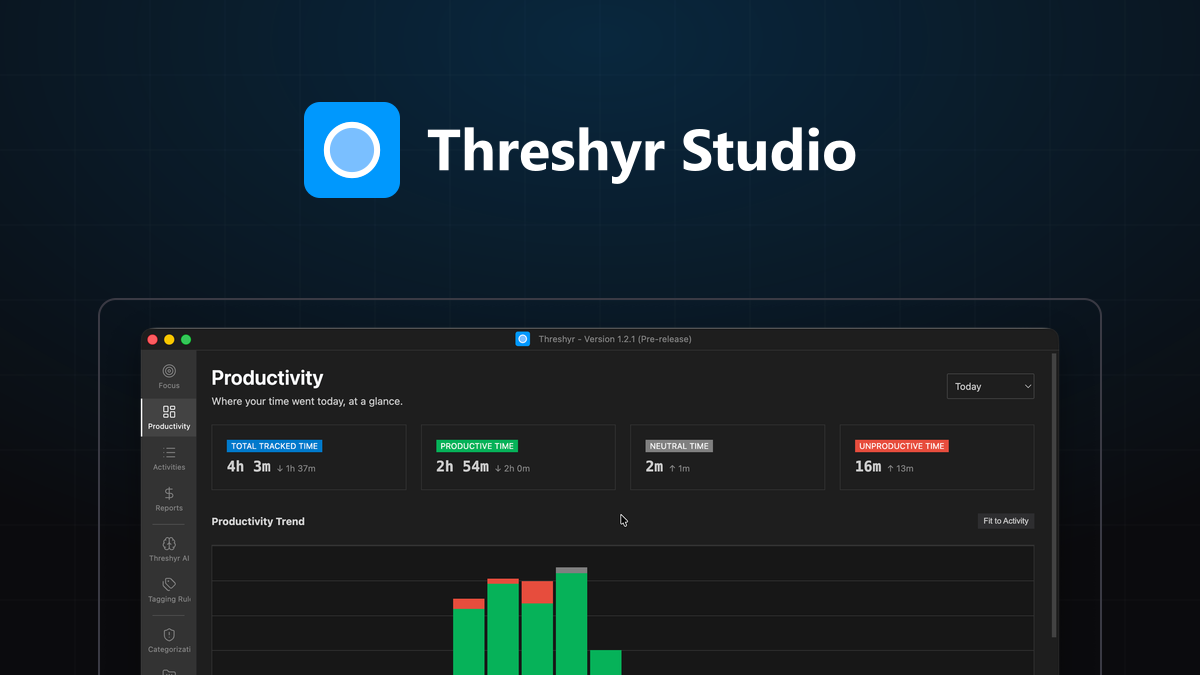
A productivity percentage is not a moral verdict on your character. The moment you treat a time tracking dashboard as an assessment of your personal worth, you guarantee that you will stop opening the application by week three, and your week goes back to being a guess.
Tracking your work hours is only useful if the resulting data helps you make concrete operational decisions. Most people review their weekly summary, feel a brief surge of guilt about the time spent reading news or answering email, resolve vaguely to "focus more next week," and change absolutely nothing. To get real value from your time logs, you must look past raw vanity scores and examine the structural patterns of your week.
Why Should You Analyze the Shape of Your Week Before Looking at Hour Totals?
When reviewing a weekly dashboard, the aggregate hour total is rarely the most informative metric. What matters is the shape of each day: how your focus rose, fragmented, and recovered over the course of eight hours.
A forty-hour week comprised of forty single-hour blocks fragmented across constant interruptions produces very different cognitive fatigue than a thirty-two-hour week containing four deep three-hour blocks of uninterrupted creation.
Look at your daily timeline. Observe where your momentum held and where it broke down. Identifying the recurring moments where your schedule fractured provides the foundation for practical adjustments.
What Are the Four Essential Questions to Ask Your Weekly Report?
When you open your weekly report, focus your analysis on four specific questions that lead directly to operational choices.
1. Where did the longest unbroken stretch happen, and can it be protected?
Scan your timeline for your most productive two-to-three-hour blocks. Note when they occurred. If your best work consistently happens between 8:30 AM and 11:30 AM before team communications pick up, that window is the most valuable time you have. Protect it before anything else gets to.
The decision: Block that window off on your calendar permanently. Move non-urgent calls, email reviews, and administrative check-ins to the afternoon.
2. Which client is quietly costing more hours than they pay for?
Compare your actual tracked hours for each client against their effective billing revenue. You will frequently find that a client paying a fixed retainer or modest hourly rate consumes disproportionate attention through frequent micro-communications and scope creep.
The decision: Renegotiate the project retainer, raise the hourly rate, or transition the client out to free up capacity for higher-yielding accounts.
3. What did you do at your lowest-energy hour of the day?
Most knowledge workers experience a distinct cognitive slump, often between 2:00 PM and 3:30 PM. If your logs reveal that you routinely attempt complex architectural problem solving during this window, you will observe high switching frequency and extended unproductive sessions.
The decision: Align task difficulty with your energy levels. Use your low-energy hour deliberately for low-stakes tasks: filing expenses, organizing documentation, clearing routine pull request reviews, or updating project boards.
4. How far off was your time estimate, and in which direction?
Compare the time you originally thought a feature or deliverable would take against the actual timestamped duration logged in Threshyr. As I explored in why I stopped trusting my own time estimates, human estimation is systematically biased toward ideal conditions.
The decision: Adjust your bidding and planning formulas by your real historical variance multiplier, eliminating the chronic stress of under-scoped deadlines.
Why Should You Focus on Making Only One or Two Schedule Changes at a Time?
When you identify inefficiencies in your schedule, resist the urge to overhaul your entire working routine overnight. Implementing six new productivity habits simultaneously creates friction and leads to rapid abandonment.
Select at most two specific adjustments based on your data. Commit to holding those two changes for an entire four-week period:
- "No client calls before 12:00 PM."
- "Process and close communication channels in two thirty-minute batches at 11:30 AM and 4:30 PM."
After a month, review your reports again to evaluate whether those constraints produced longer focus blocks and cleaner project attribution.
When Should You Set Aside Tracking Metrics Without Guilt?
There are weeks when tracking metrics should simply be set aside without guilt:
- Launch weeks: When deploying critical infrastructure or shipping a major release, routine focus patterns disintegrate under immediate operational demands.
- Illness or recovery: Working through a head cold will produce fragmented, low-productivity days. That is biology, not a workflow flaw.
- Major life transitions: Moving house, family emergencies, or significant personal disruptions will naturally reflect in your timeline.
A time tracking tool that generates guilt during difficult weeks is a tool you will eventually uninstall. Use your data as an objective operational instrument when conditions are stable, and recognize when external circumstances take precedence.
Download Threshyr for Windows and macOS at /download to understand your working patterns with complete offline privacy for $29 per year during pre-release.

Written by Affan Bajwa
Founder of Threshyr. Passionate about local-first software architecture, developer productivity, and building privacy-first tools for knowledge workers.
Download Threshyr Studio
Free to use during pre-release on Windows and macOS. No account, no card, no sign-up required.
Related Articles
How to Activate Your Threshyr Studio License
A step-by-step guide to locating your license key after purchase and activating it inside the Threshyr desktop app under Settings.

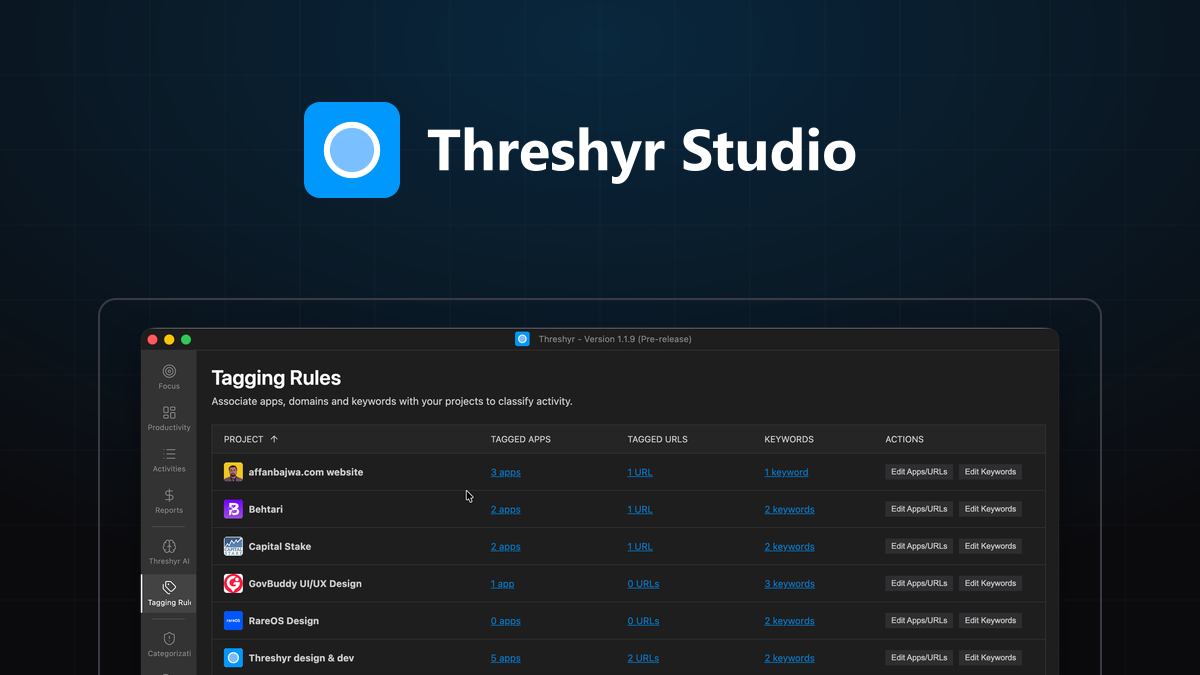
Set Up Project Tagging That Runs Itself
How to configure durable, self-maintaining project tagging rules based on application names, website domains, and window titles in Threshyr.