
Most software onboarding today begins with a forced account creation screen: an email address, a password you will forget by next week, a verification code, and an upfront credit card before you can even see whether the tool solves your problem.
Threshyr does not work like that.
You can download Threshyr, install it on Windows or macOS, and start tracking immediately. There is no sign-up wall, no cloud login, and no payment method required to evaluate how it works on your machine.
When you decide to purchase a license during our pre-release ( for your first year, 50% off the standard /year), the activation process is straightforward. Because Threshyr is a local-first application without a remote user account database, licensing is handled cleanly through an offline-friendly license key delivered directly to your email.
Here is exactly how to activate your license after purchase.
Where Do You Find Your Threshyr License Key After Purchase?
Immediately after your payment completes, our payment processor sends an automated confirmation email to the email address you entered during checkout.
In that email, you will find your purchase receipt alongside your unique License Key.
- Open the confirmation email.
- Highlight the license key string and copy it to your clipboard (Ctrl+C on Windows or Cmd+C on Mac).
Tip: If you do not see the confirmation email within two to three minutes of purchase, check your Spam, Junk, or Promotions folders. If you still cannot locate it, you can reach out directly with your checkout details and we will retrieve it for you.
How Do You Navigate to the Settings Menu in Threshyr?
Launch Threshyr on your computer.
In the bottom-left corner of the sidebar navigation, click on the Settings item (represented by the gear icon).
Where Is the License Activation Panel Located in the Desktop App?
Inside the Settings view, you will see category tabs across the top or left navigation panel.
Click on the Payment tab.
This section displays your current plan status (such as your trial or pre-release evaluation period) along with the license management interface.
How Do You Enter and Validate Your License Key?
Inside the Payment panel:
- Locate the Activate license key input field.
- Paste the license key you copied from your confirmation email into the field (Ctrl+V on Windows or Cmd+V on Mac).
- Click the Activate button next to the field.
Once entered, Threshyr validates the key. Your license status will immediately reflect as active, unlocking your full year of updates and continuous tracking.
What Are the Most Common Questions About Threshyr License Activation?
Does Threshyr need an active internet connection to stay activated?
No. Threshyr verifies your license without ongoing telemetry or continuous phone-home calls. Your day logs, window titles, category rules, and client billing numbers never leave your computer. The activation process simply confirms that your key is authentic.
What if I switch to a new computer or reinstall my operating system?
Your license belongs to you. If you upgrade your laptop, switch between Windows and macOS, or format your system, simply download the latest build from the download page, head back to Settings -> Payment, and paste your existing license key into the field.
Keep your purchase confirmation email archived so you always have your key when setting up a fresh machine.
What should I do if I made a typo in my checkout email?
If you entered an incorrect email address at checkout and did not receive your fulfillment receipt, do not worry. Email us directly with your name, the date of purchase, and the last four digits of the payment method used. We will locate your order in our payment dashboard and reissue your license key promptly.

Written by Affan Bajwa
Founder of Threshyr. Passionate about local-first software architecture, developer productivity, and building privacy-first tools for knowledge workers.
Download Threshyr Studio
Free to use during pre-release on Windows and macOS. No account, no card, no sign-up required.
Related Articles
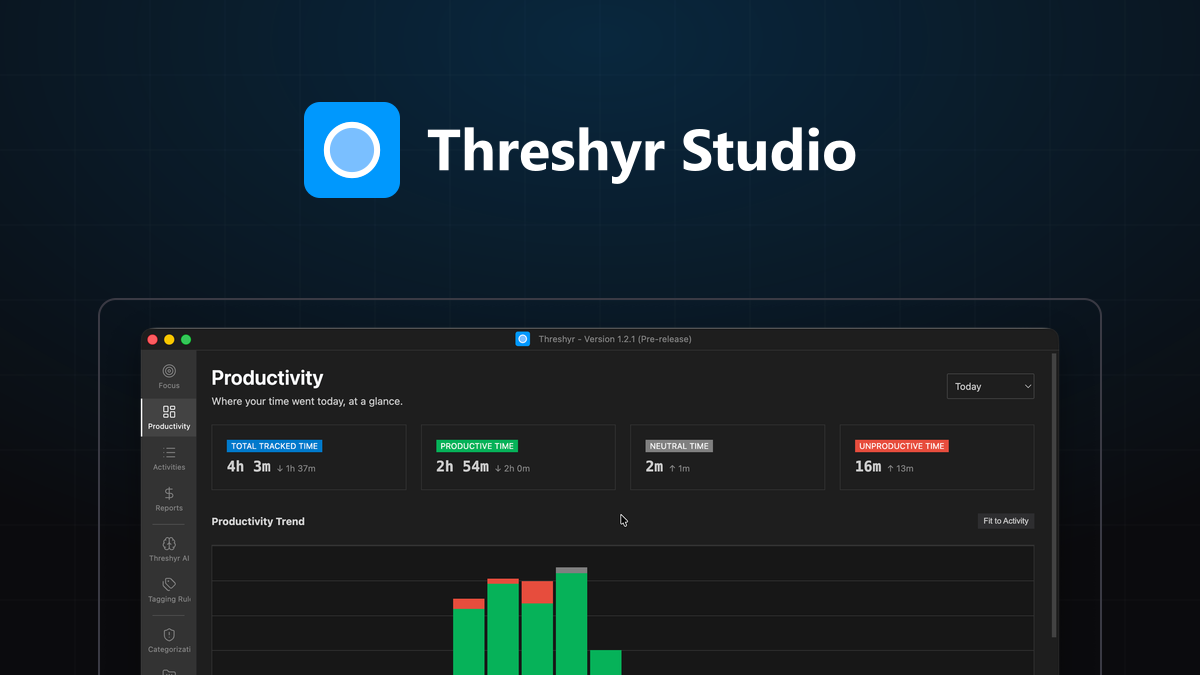
How to Read Your Week and Actually Change It
How to extract actionable decisions from your weekly time tracking reports without falling into the trap of obsessing over raw productivity scores.

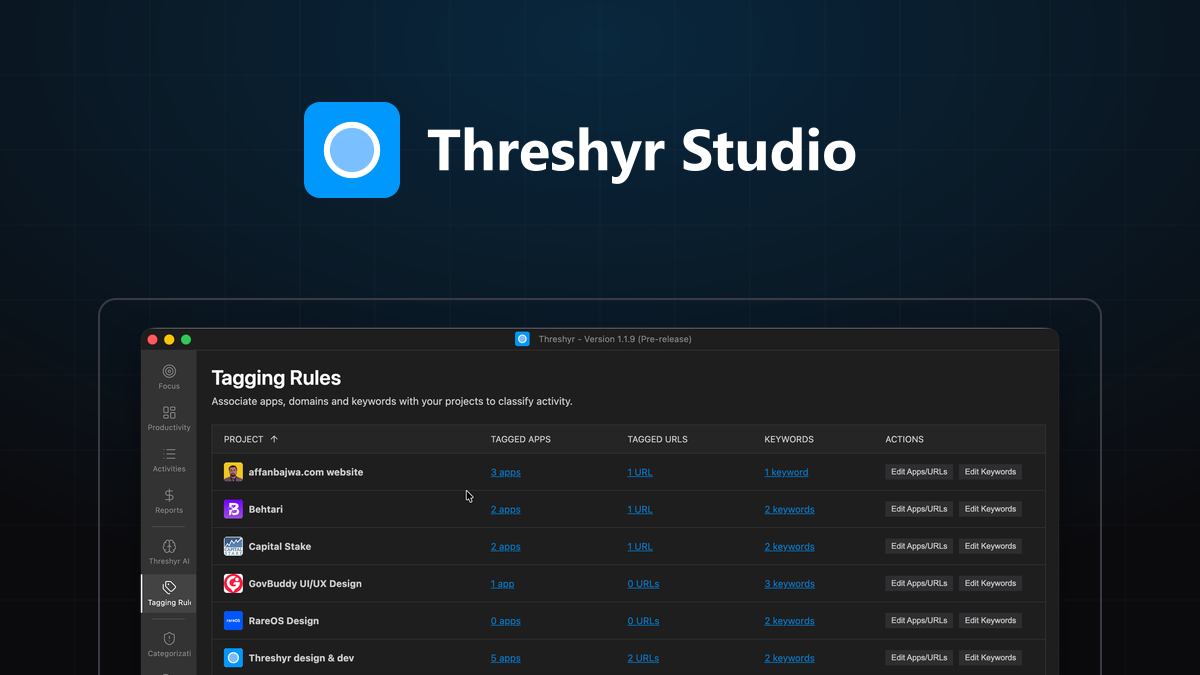
Set Up Project Tagging That Runs Itself
How to configure durable, self-maintaining project tagging rules based on application names, website domains, and window titles in Threshyr.