

When I began designing Threshyr as a local-first time tracker, the easiest path would have been to build another cloud software service instead. The playbook for cloud tools is well established: spin up a remote database, require users to create an account, stream desktop activity to an API, render reports inside a web dashboard, and charge $15 every month.
I decided not to build that product. The central question that settled the decision was simple: why would a remote server ever need to know what is on your screen?
What Would the Cloud Version of Threshyr Have Looked Like?
A cloud-based time tracker has undeniable conveniences, and it is worth being fair to what the architecture offers:
- Multi-device sync: You start an email on a laptop, continue on a desktop workstation, and your timeline combines automatically into a unified cloud view.
- Anywhere web dashboard: You can review your hours and edit entries from any browser in the world without opening your primary computer.
- Automated cloud backups: If you drop your laptop into a swimming pool, your entire five-year time tracking history remains safe on a remote server.
- Remote customer support: When something breaks, a support engineer can inspect your account logs remotely and resolve data discrepancies directly.
Those benefits are real, and they explain why nearly the entire productivity category operates on the cloud.
What Trade-Offs Did I Accept by Refusing to Build a Cloud Architecture?
Choosing a local-first architecture meant actively sacrificing every single one of those conveniences.
First, I gave up easy cross-device synchronization. Without a central cloud server shuttling your timeline between computers, Threshyr operates on the machine where it is installed.
Second, I gave up web access. You cannot open a browser tab on your phone to check what you did on your desktop yesterday. Your reports live inside the desktop application on your computer.
Third, I gave up effortless automatic backup. If your hard drive fails and you do not maintain local system backups, your time tracking records disappear with it.
Fourth, I gave up the ability to look at your data when you report a problem. If you encounter a bug in Threshyr, I cannot log into an administrative dashboard to inspect your records. I must diagnose the issue through your descriptions and application logs that you choose to share.
Naming these trade-offs candidly is necessary, because building software is always an exercise in choosing which compromises you are willing to accept.
What Do You Gain from an Offline, Local-First Time Tracker Instead?
In exchange for those trade-offs, a local-first architecture gives you things that no cloud tracker can provide:
- Absolute data sovereignty: Your window titles, document names, repository paths, and client data never leave your physical hard drive. You are not trusting a privacy policy; you are relying on the fact that no network transmission exists.
- Zero account friction: You do not need to create an account, verify an email address, or remember a password. Download the app, launch it, and start working.
- Total offline reliability: Threshyr works identically on an airplane, in a coffee shop with broken Wi-Fi, or during an internet outage. Your timeline and reports do not freeze when the connection drops.
- Immunity from third-party exposure: Because there is no central database holding thousands of users' minute-by-minute desktop histories, there is no remote repository for adversaries to target or subprocessors to access.
- Structural cost savings: Because we do not pay monthly cloud hosting bills to store user activity databases, we do not need to charge you $20 every month. We offer a flat $29 per year pre-release licence.
Who Should Avoid Using a Local-First Time Tracker?
A local-first tracker is not the right choice for every workflow.
If you switch between four different workstations every day and demand a single unified cloud timesheet, Threshyr will frustrate you. If you manage a team of twenty contractors and need a manager dashboard to approve weekly timesheets, Threshyr cannot do that job. If you need a mobile companion app to log client hours from your phone, you should choose a cloud-based tool like Clockify or Harvest.
But if you are a solo developer, designer, or consultant who works primarily on a desktop, values absolute privacy for your confidential client files, and wants a quiet tool that tracks your day automatically without sending data off-site, local-first is the correct architecture.
Download Threshyr for Windows and macOS at /download to experience automatic time tracking with complete local privacy for $29 per year during pre-release.

Written by Affan Bajwa
Founder of Threshyr. Passionate about local-first software architecture, developer productivity, and building privacy-first tools for knowledge workers.
Download Threshyr Studio
Free to use during pre-release on Windows and macOS. No account, no card, no sign-up required.
Related Articles

What Your Time Tracker Knows About You
Look at your open window titles and discover what automatic cloud time trackers quietly record, store on remote servers, and expose to third parties.

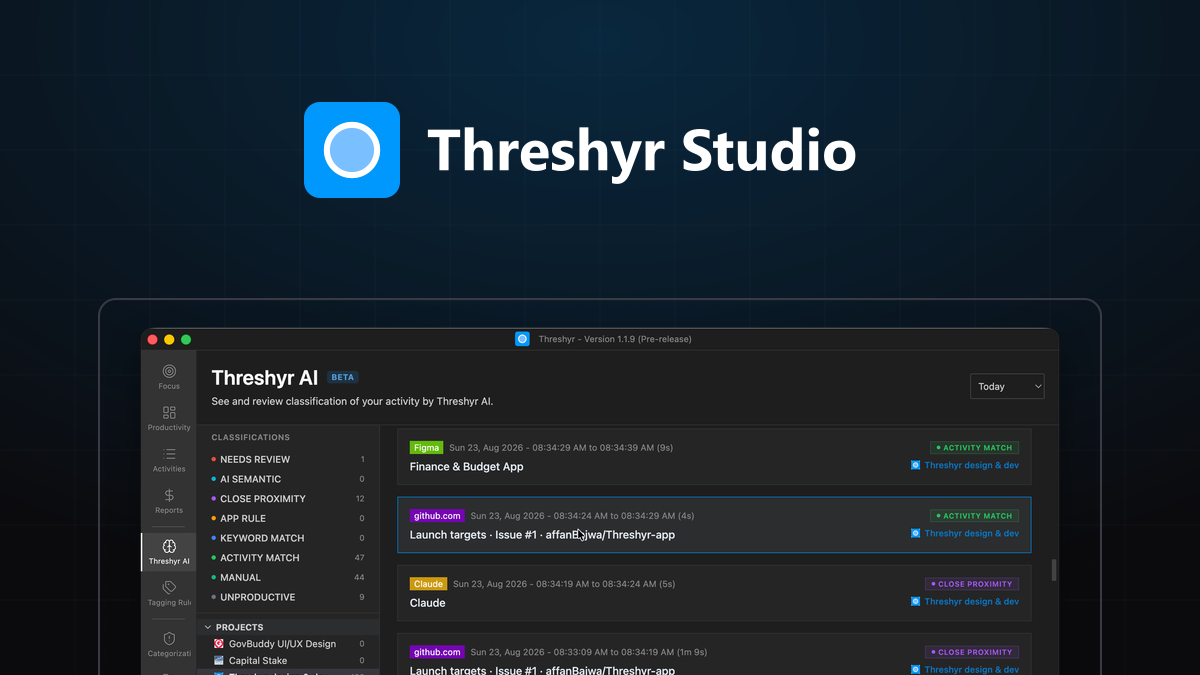
How Threshyr Studio Classifies Your Day Without Sending It Anywhere
Discover how on-device AI categorizes desktop activity and learns client project rules offline without uploading private window titles to cloud servers.