

Look at the top of your screen right now. If you are reading this in a browser tab, the title bar contains the name of this article, the domain name, and your active browser profile. If you switch to your code editor, the title bar shows the specific file you were editing, the directory path on your hard drive, and the repository branch name.
When you install an automatic time tracker, that exact line of text is what the software reads and logs every few seconds. Most software vendors describe this process as "logging your active application," which sounds harmless and abstract. In practice, a tracker is not recording a generic summary of your tools. It is compiling the literal, unredacted text stream of your entire digital workspace.
What Context Do Your Desktop Window Titles Actually Expose?
A window title is designed to give you context at a glance. Because operating systems expose that string to the desktop environment, time tracking utilities use it to determine what you are doing.
Consider what passes through that title bar over the course of a normal workday:
- Unannounced client engagements:
AcmeCorp_Q4_Acquisition_TermSheet_v3.pdf - Adobe Acrobat - Internal customer identifiers:
Admin Portal | Customer #48291 (Jane Doe) - Google Chrome - Unreleased feature branches:
feat/deprecate-legacy-auth - payment-service - VS Code - Private financial planning:
2026_Tax_Return_Draft_Schedule_C.xlsx - Microsoft Excel - Personal appointments:
Inbox (1) - Confirmation: Dr. Miller Cardiology Appointment - Fastmail
None of these titles represent reckless behavior. They are the normal, unavoidable byproduct of using a modern operating system. When you work across spreadsheets, client codebases, private communications, and administrative panels, confidential text is exposed in your window titles by default.
When an automatic time tracker operates by streaming that data to a cloud infrastructure, every single one of those strings leaves your machine.
Who Else Ends Up Holding Your Work History When It Syncs to the Cloud?
When a tracker transmits your screen history to a cloud platform, that text does not simply disappear into a black box. It becomes stored data on someone else's infrastructure.
Once your minute-by-minute activity log lives on a remote server, several parties gain potential access to it:
- The vendor's operational personnel: Customer support representatives, database administrators, and engineering staff who maintain the platform infrastructure.
- Third-party subprocessors: Cloud hosting providers, database-as-a-service vendors, error monitoring tools, and analytics platforms that handle the vendor's data pipeline.
- Security adversaries: Any unauthorized actor who compromises the vendor's authentication systems, cloud storage buckets, or administrative credentials.
- Legal and regulatory entities: Any authority that issues a subpoena, court order, or data request to the vendor in the jurisdictions where their servers operate.
This is not a question of whether a vendor acts in good faith. Most software companies maintain standard industry security practices. But security is never absolute, and storing years of granular desktop text on remote databases creates a permanent target.
When the database holding your records is not on your machine, your privacy depends entirely on someone else's configuration practices.
How Do Cloud Time Trackers Violate Client Non-Disclosure Agreements (NDAs)?
If you work as an independent contractor, agency partner, or freelance developer, you have likely signed non-disclosure agreements with your clients.
Standard consulting contracts contain explicit language regarding confidentiality. They typically prohibit disclosing, transmitting, or making client materials accessible to unauthorized third parties without prior written consent.
When you run a cloud-based tracker while working on a proprietary project, your system sends staging URLs, repository folder names, pull request titles, and document filenames to a third-party server. In many jurisdictions, transmitting that data across a network to an unvetted vendor without explicit client authorization creates a direct contractual conflict.
Most freelancers never consider this scenario because time tracking feels like private utility software. But your client does not view an automated cloud service as an internal tool. To them, it is an unapproved third-party data repository receiving details about their internal operations. That exposure is why Threshyr was built the way it was, which I wrote about in why we built a local-first time tracker.
What Are the Five Essential Questions to Ask Any Time Tracker Before Installing It?
Before you install any time tracking application on your computer, ask five straightforward questions. A trustworthy tool will provide clear, unambiguous answers to each.
1. Where does the activity log live physically?
- Good answer: On your computer's local disk only. Nothing is uploaded to remote servers.
- Bad answer: Encrypted in transit and stored securely in our multi-tenant cloud database.
2. Is an account, email address, or login required to use the software?
- Good answer: No account or email is needed. Download the application and run it.
- Bad answer: Sign up with Google, Apple, or an email address to activate your workspace.
3. Does the application send analytics or telemetry back to the company?
- Good answer: Zero telemetry, zero usage statistics, and zero tracking beacons.
- Bad answer: We collect anonymized usage data and crash reports to improve product performance.
4. What happens when your computer is disconnected from the internet?
- Good answer: Full tracking, timeline inspection, and reporting continue identically offline.
- Bad answer: Activity is cached temporarily, but reports require an internet connection to view.
5. Does the application capture keystrokes, screenshots, or webcam footage?
- Good answer: No screenshots and no keystroke logging under any circumstances.
- Bad answer: Optional screenshots and keyboard activity percentages configurable by account administrators.
How Does Threshyr Answer These Five Privacy Tests?
I built Threshyr specifically to pass all five of those tests without exceptions.
Threshyr runs locally on Windows and macOS. It reads window titles to categorize your time into projects, but that processing happens strictly on your device. The application requires no account, no email address, and no password. It contains zero analytics beacons, uploads no activity logs, captures no keystrokes, and takes no screenshots.
Your work history stays on your machine. When you close the app or disconnect your network, your timeline and reports remain fully functional on your local hardware.
We charge $29 per year during pre-release for a single licence that includes every feature. Because we do not store your data or operate remote servers for your activity history, we have no recurring database hosting bills to pass along to you.
Understanding where your hours go should not require handing your working history to a cloud provider.
Download Threshyr for Windows and macOS at /download to track your time automatically with complete local privacy for $29 per year during pre-release.

Written by Affan Bajwa
Founder of Threshyr. Passionate about local-first software architecture, developer productivity, and building privacy-first tools for knowledge workers.
Download Threshyr Studio
Free to use during pre-release on Windows and macOS. No account, no card, no sign-up required.
Related Articles
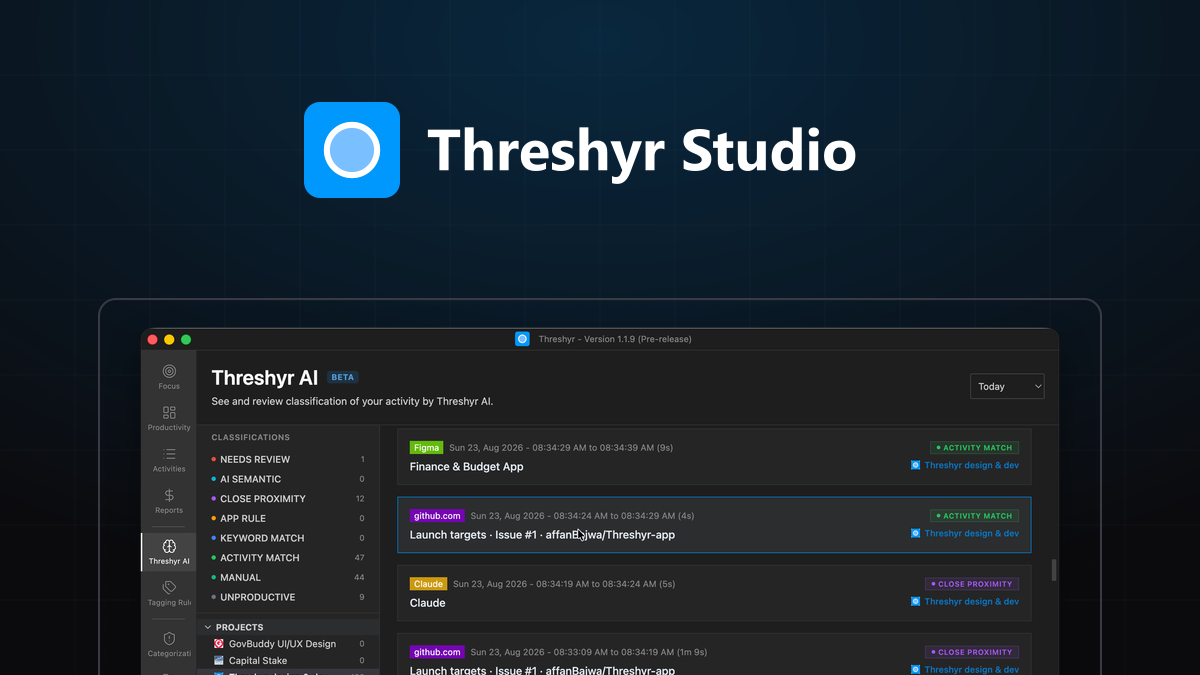
How Threshyr Studio Classifies Your Day Without Sending It Anywhere
Discover how on-device AI categorizes desktop activity and learns client project rules offline without uploading private window titles to cloud servers.


Why We Built a Local-First Time Tracker in the Age of Cloud Everything
Why we chose a local-first architecture for Threshyr, what we gave up by avoiding the cloud, and why keeping work data on your device matters.