

Every time tracker's marketing page says the exact same six things: boost your productivity, eliminate administrative waste, track work effortlessly, gain deep insights, bill clients accurately, and take control of your day.
Because every vendor claims the same outcomes, the feature comparison checklist on a marketing page rarely tells you what living with the software feels like. Two apps that both advertise automatic tracking can behave completely differently when you open four browser tabs for two different clients on a Tuesday morning. To find a tool that lasts beyond the first two weeks, you need to evaluate products by their operational constraints rather than their marketing copy.
Does it track without me starting anything?
The most critical operational divide is between manual stopwatch trackers and automatic background trackers.
- What a good answer looks like: The software runs silently in the background, observes active windows, and detects when you step away from your computer. You never touch a start or stop timer.
- What a bad answer looks like: You must remember to select a project and click a timer icon every time you switch tasks. If an urgent call interrupts you, you must stop what you are doing to update your status.
If you switch tasks frequently, manual timers break down quickly. Automatic capture is essential for anyone whose day involves fragmented attention.
What happens to a day I forgot about?
When a tracking tool relies on constant user input, human error creates blank gaps in your work history.
- What a good answer looks like: The software captured every active window regardless of whether you remembered to configure it that morning. You can review the raw chronological timeline days later and allocate hours accurately.
- What a bad answer looks like: If you forgot to click start on Wednesday morning, Wednesday does not exist in your records. You must spend Friday afternoon guessing hours from browser history and sent emails.
A tracker should protect you from your own forgetfulness, not punish you for it.
Where does the record actually live?
Automatic trackers observe every window title, document filename, and URL you open. You need to know who holds that stream of text.
- What a good answer looks like: The activity log is stored strictly on your local computer disk. Nothing is uploaded to remote servers.
- What a bad answer looks like: Your detailed desktop window titles, local directory paths, and client document names are continuously streamed to a cloud database hosted by the vendor.
If you handle confidential client projects under non-disclosure agreements, uploading raw window titles to third-party servers presents a serious compliance liability.
Do I need an account, and what is attached to it?
Many desktop utilities require cloud user accounts simply to manage licences and harvest telemetry data.
- What a good answer looks like: No account, email address, or login required. You download the binary, install it, and use it immediately offline.
- What a bad answer looks like: You must authenticate with an email address or third-party OAuth provider, agree to remote telemetry beacons, and maintain a constant internet connection to view reports.
Software that functions entirely on your computer has no legitimate technical need for your email address.
How does it handle two clients inside the same app?
Most modern knowledge work happens in general-purpose software like web browsers, code editors, and design suites.
- What a good answer looks like: The software attributes time based on window title keywords, repository paths, and specific website domains, allowing one browser window to split cleanly between multiple billable accounts.
- What a bad answer looks like: The software only categorizes by application name, logging four hours of generic browser usage without distinguishing between Client A and Client B.
Application-level tracking tells you what tools you used. Context-level tracking tells you who you worked for.
What does three years of this cost?
Subscription pricing in the productivity category compounds significantly over time.
- What a good answer looks like: A transparent, predictable price (a flat annual fee or a perpetual licence) covering all features, with no per-seat minimums and no feature paywalls.
- What a bad answer looks like: A monthly subscription charging $15 to $30 per month, adding up to $500 to $1,000 over three years for software that runs on your own machine.
Calculate the three-year total of any tool before subscribing. Monthly pricing structures often conceal high long-term ownership costs.
Who is the tool's real customer, me or my employer?
The time tracking market is divided between tools built for individual insight and tools built for employer surveillance.
- What a good answer looks like: The software is designed strictly for a single user to understand their own working day, track billable balances, and improve focus without screenshots or keystroke monitoring.
- What a bad answer looks like: The application includes automated screenshot capture, keystroke activity scoring, webcam checks, and manager dashboards.
Surveillance software creates anxiety. Personal tracking tools provide utility.
How Do Leading Time Trackers Fare Against This Checklist?
Applying these criteria to existing tools reveals their real trade-offs:
- Harvest: Harvest excels if your priority is sending invoices and taking credit card payments directly from your timesheets. But it relies primarily on manual timers, lives in the cloud, and charges monthly per user.
- ActivityWatch: ActivityWatch scores exceptionally well on privacy and local data storage. It is open source, free, and runs entirely on your machine. However, it requires technical effort to configure custom rules and lacks built-in client invoicing calculations.
- RescueTime: RescueTime handles automatic tracking and habit scoring well across multiple platforms including mobile devices, but it uploads your screen history to a cloud account and charges an ongoing subscription.
How Does Threshyr Meet These Essential Time Tracking Criteria?
I built Threshyr to satisfy the personal, privacy-first side of these criteria.
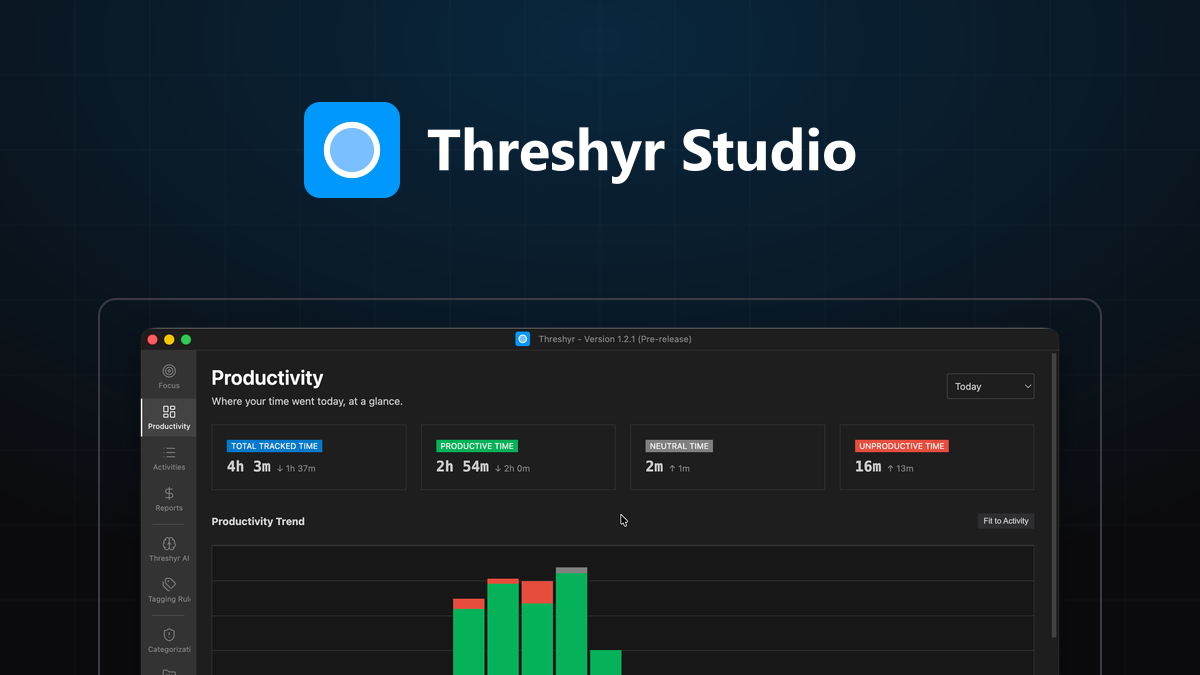
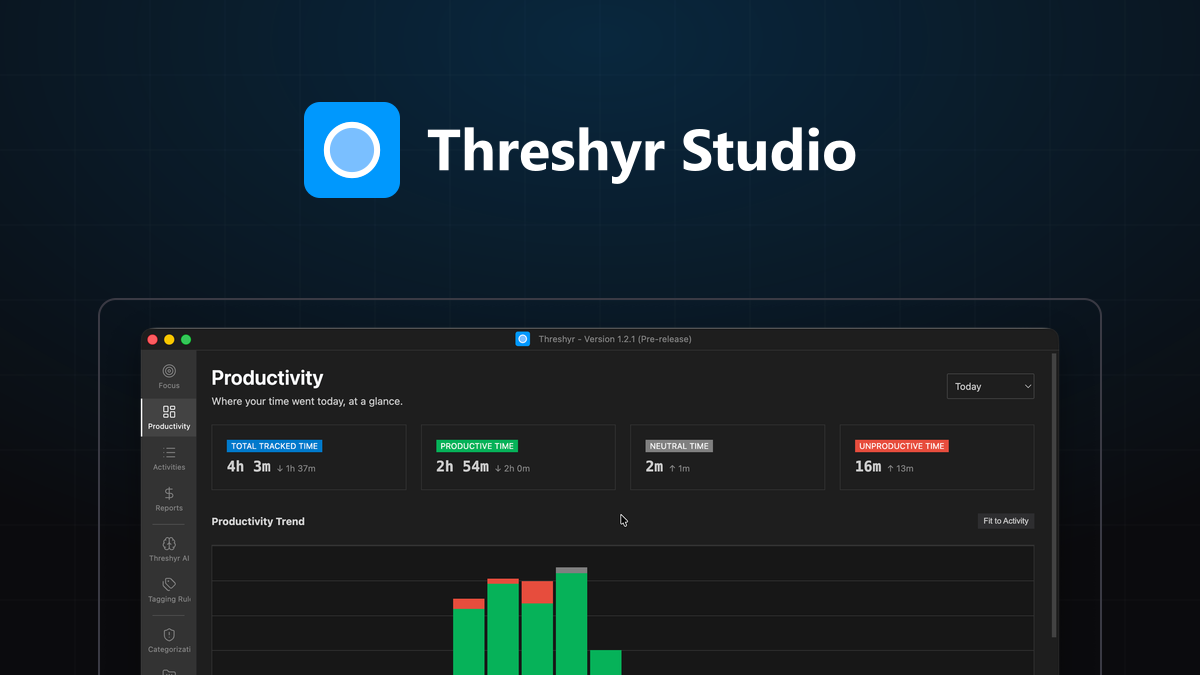
Threshyr runs automatically on Windows and macOS with zero timers to click. It keeps all data strictly on your machine without requiring an account, email, or internet connection. It separates client work inside the same application using local tagging rules matched against window titles and website domains. It is priced at a flat $29 per year during pre-release.
Where Threshyr does not fit is equally clear: it has no team oversight features, no mobile apps, and does not process customer credit card payments directly.
For an extensive head-to-head comparison across all major options, read our complete guide to The Best Time Trackers in 2026, Compared Honestly.
If you are looking for an automatic, local tracker that respects your privacy and runs quietly on your desktop, download Threshyr at /download to evaluate it on your own machine.

Written by Affan Bajwa
Founder of Threshyr. Passionate about local-first software architecture, developer productivity, and building privacy-first tools for knowledge workers.
Download Threshyr Studio
Free to use during pre-release on Windows and macOS. No account, no card, no sign-up required.
Related Articles
How to Activate Your Threshyr Studio License
A step-by-step guide to locating your license key after purchase and activating it inside the Threshyr desktop app under Settings.

How to Read Your Week and Actually Change It
How to extract actionable decisions from your weekly time tracking reports without falling into the trap of obsessing over raw productivity scores.