
Most time trackers reduce your day to a single cumulative number. At the end of the afternoon, the software reports that you logged four hours of work. But four hours of unbroken, concentrated attention and forty separate six-minute fragments scattered across an interrupted workday are completely different experiences. They produce different work, and they leave you with a different level of mental fatigue when you close your machine.
A raw total hides that distinction entirely. You can spend an entire afternoon cycling between incoming messages, brief file edits, and browser tabs, accumulate four hours on the clock, and still wonder where your day went. Threshyr 1.2.1 is built around the reality that focus happens in blocks, and the length and continuity of those blocks matter just as much as the aggregate time on your timesheet.
What Is the New "Focus Today" Dashboard and How Does It Structure Your Day?
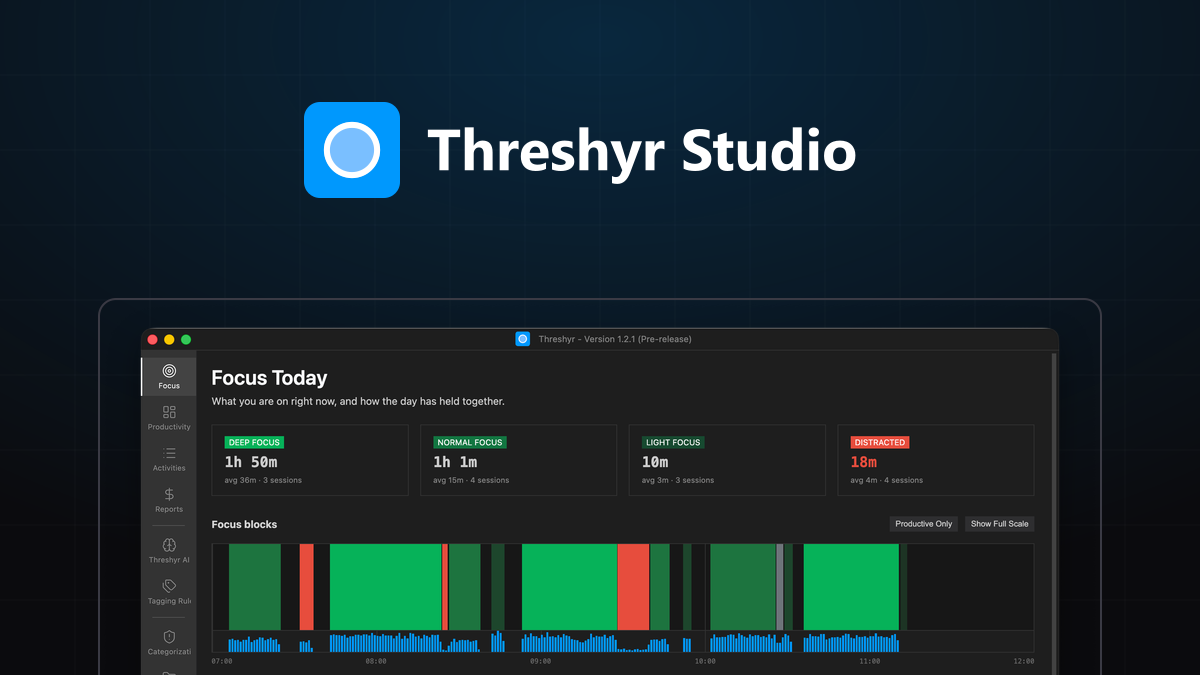
The new landing view opens on the structure of your day rather than a single total. Focus is now categorized into four distinct weights based on the duration of your sessions:
- Deep Focus: A continuous stretch of 25 minutes or longer. These blocks represent your deepest uninterrupted work and are drawn at full visual strength on the chart.
- Normal Focus: A sustained working session lasting between 5 and 25 minutes.
- Light Focus: A brief stretch of productive work under 5 minutes. In earlier versions of Threshyr, these brief sessions were discarded entirely, meaning a three-minute bug fix was worth nothing at all on the overview. In 1.2.1, Light Focus is counted and drawn faintly on the timeline.
- Distracted: Any active time spent in applications or websites that fall outside your productive categories.
Each focus card displays its total accumulated time, the average session duration, and the total count of sessions completed.
The visual blocks on the daily chart are shaded to match their corresponding cards directly. A pale block on the timeline matches a pale card in the summary, allowing you to understand the distribution of your day at a glance without reading a legend.
What Activities Qualify as True Focus Time Under Version 1.2.1?
For a session to register as focus, the minutes must be spent inside an application assigned to a productive category, and you must be actively present at your desk.
How actively you interact with your keyboard and mouse is measured and reported as engagement, but Threshyr deliberately never uses your input rate to disqualify a focus block.
This is a fundamental design decision. Engagement measures physical input, but deep intellectual work often produces almost no mechanical movement. When you are reading technical documentation, thinking through a complex database migration, reviewing architecture diagrams, or writing notes on a pad beside your keyboard, your hands are not constantly typing. If a time tracker required a high volume of clicks and keystrokes to validate focus, it would delete a twenty-five minute block of deep reading while preserving a three-minute flurry of chat messages. That is the exact opposite of what a focus tool should do.
Focus blocks are measured by the exact time they span rather than artificial intervals. A session that concludes at 13:45:08 is recorded as ending at 13:45:08, rather than being rounded up to the top of the next minute.
How Does Version 1.2.1 Distinguish Between Idle Gaps and Active Breaks?
Beside your top focus sessions and top distractions, the timeline now provides a complete chronological log of your day. Every block appears in order, and the gaps between them are explicitly identified.
Most trackers quietly misrepresent those gaps because they treat any absence from the machine as a single generic state. Threshyr distinguishes between two distinct conditions:
- Idle: Threshyr was running in the background and recorded you as idle because you stepped away from your keyboard. This state is drawn directly from active system data, never guessed.
- Off: Nothing was recorded because the machine was asleep, locked, or powered down.
This distinction is not a minor semantic detail. If a tracking tool treats system sleep as idleness, closing your laptop for the night turns a normal evening into a timesheet claiming you sat in front of your monitor doing nothing for eight hours.
The status bar follows the same logic. Instead of displaying the name of whichever window happens to be in front, it reflects your actual current state: Deep Focus · since 10:31 in green, Distracted in red, or simply Idle.
How Does the Updated Calculation Engine Reconcile Active Time and Project Totals?
Version 1.2.1 resolves subtle discrepancies between active time and category totals, bringing complete mathematical consistency to your reports:
- Active time split: Productive, neutral, and unproductive times are now calculated as a split of active time rather than total wall-clock duration. If you spend eight minutes with a code editor open on your screen but only type for two minutes before stepping away, Threshyr records two minutes of productive work, not eight.
- Exact summation: The three category totals now sum to your total active time precisely. In previous builds, rounding differences could cause the productive total to appear slightly larger than the active time it came from.
- Consistent distraction totals: Distraction is calculated using the same logic across the entire interface, ensuring the Distracted card and the Top Distractions list never disagree.
- Fragment capture: Every small interaction is counted. Forty thirty-second checks of a news site or social feed will never combine into a focus block, but they will appear accurately in your distraction aggregates where they belong.
- Drift elimination: Time no longer drifts over long tracking sessions. A ten-minute slot used to register as nine minutes and fifty-nine seconds, and the missing second was reported as idle time in a session you never left. In 1.2.1, a ten-minute slot reads as ten minutes. Upgrading to 1.2.1 also repairs minute-level records affected by earlier accounting.
How Does the Details Panel Explain Why an Activity Was Assigned to a Project?
When Threshyr assigns an activity to a project, the details panel now explains its reasoning in a plain sentence, and it admits when that reasoning is based on incomplete context.
Some applications never report a specific document or window title to the operating system; they report their application name and nothing else. When that happens, claiming that a specific window was recognized before really means that some earlier session in that application was assigned to a project. Threshyr now states this limitation directly in the interface and suggests creating an app-wide rule if you want that assignment applied universally.
Reassigning activities to projects is also more flexible. Instead of a single button that overwrites your records broadly, you can choose between four distinct assignment scopes:
- This activity only: Updates the selected session without altering other records.
- This and future: Updates the current session and creates a rule for future matching sessions.
- This and all past: Updates the current session and retroactively assigns all historical instances.
- Everything: Applies the assignment across all past and future occurrences.
You can also remove an assignment entirely rather than being forced to replace it with a different project tag.
How Does Version 1.2.1 Enhance Offline Stability and Reduce System Noise?
Threshyr is built to function completely offline, which means running the application without an internet connection is standard operation, not an error state.
Background update checks that fail to reach the network will no longer display a banner across your window. If you choose to check for updates manually from the menu, you will still receive an immediate status response either way.
How Do You Upgrade to Threshyr 1.2.1 Without Losing Your History?
Threshyr 1.2.1 upgrades in place and keeps your history.
Download Threshyr for Windows and macOS at /download. Track your workday automatically with complete local privacy and on-device AI for $29 per year during pre-release.

Written by Affan Bajwa
Founder of Threshyr. Passionate about local-first software architecture, developer productivity, and building privacy-first tools for knowledge workers.
Download Threshyr Studio
Free to use during pre-release on Windows and macOS. No account, no card, no sign-up required.
Related Articles
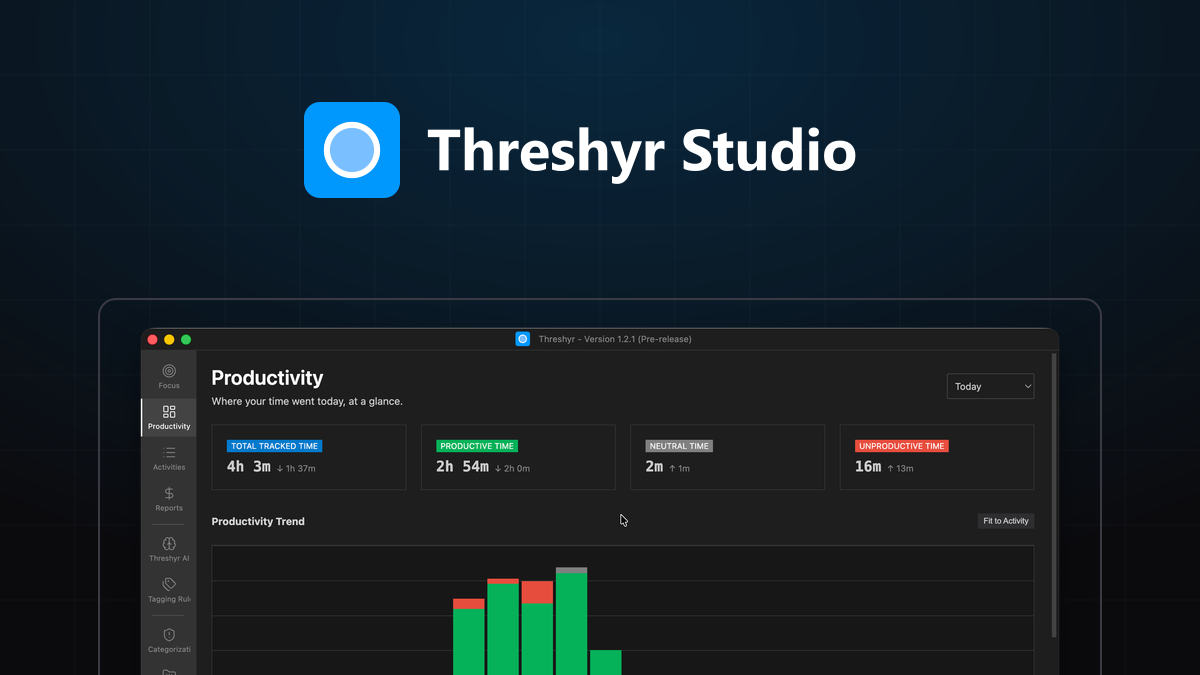
Offline Automatic Time Tracking for Windows and macOS: What to Expect
What happens when you install an automatic time tracker with no start button? Here is what to expect in your first hour, first day, and first week with Threshyr.

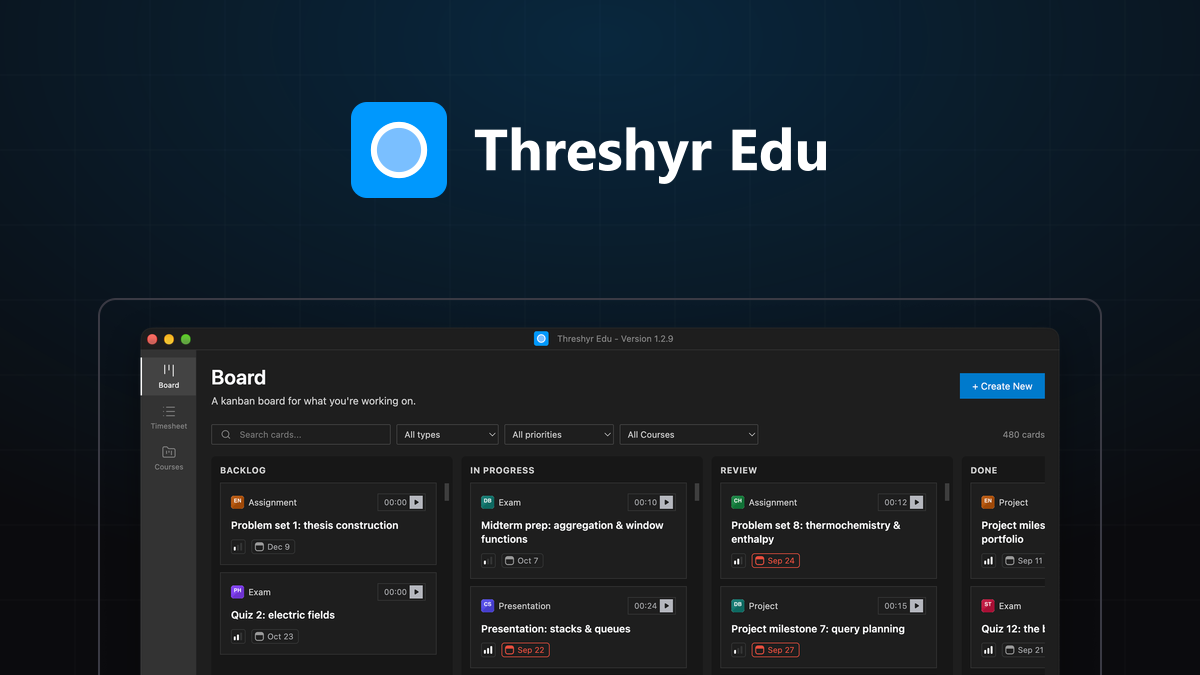
Getting Started with Threshyr Edu
A quick, step-by-step guide to set up your semester in Threshyr Edu: create courses, add tasks to your study board, run focus timers, and log timesheets.