
In 2018, I installed RescueTime on a workstation I used for client consulting. It was the first tracker I used that did not require me to punch a stopwatch before opening a text editor, and for three weeks it felt like the software had finally caught up to how modern work happens.
Then I opened a weekly summary and realized what had actually happened. My entire work history sat on someone else's infrastructure: every document title, every client file path, every private research search. RescueTime proved that background desktop tracking works, but it tied that utility to an architecture that uploads your working day to a remote server.
Quick Summary:
- Choose Threshyr if: You aim to improve your productivity and want 100% automatic background tracking, activity classification done offline by AI based on tagging rules, zero cloud telemetry, and a flat $29/yr pre-release ($58/yr regular).
- Choose RescueTime if: You want cross-device tracking on mobile and Linux, automated focus session website blocking, or personal daily productivity pulses.
How Do Threshyr and RescueTime Compare at a Glance?
RescueTime proved automatic tracking works, then put the resulting record of your workday on its own servers.
| Feature | Threshyr | RescueTime |
|---|---|---|
| Tracking Method | ✅ Automatic background | ✅ Automatic background |
| Data Privacy | ✅ Local only | ❌ Cloud |
| Account Required | ✅ No | ❌ Yes |
| Offline Reports | ✅ Full functionality | ❌ Limited (Web dashboard required) |
| AI Classification | ✅ On-device, offline | ❌ Cloud-based |
| Tagging Rules | ✅ App, domain, window title keywords | ❌ App and domain categories |
| Client Billing Reports | ✅ Hours worked and amounts owed | ❌ No |
| Focus Blocking | ❌ No | ✅ Yes (Focus Sessions) |
| Mobile Apps | ❌ No | ✅ iOS and Android |
| Supported Platforms | ✅ Windows, macOS | ✅ Windows, macOS, Linux, ChromeOS, Mobile |
| Pricing | ✅ $29/yr pre-release ($58/yr regular) | ❌ $7–$12/month ($84–$144/year) |
What Are the Two Fundamentally Different Approaches to Automatic Tracking?
RescueTime established the model for passive time tracking. It sits in your system tray, watches active applications, records URLs, and calculates daily focus totals without demanding manual timers. The software solves the core problem of stopwatch tracking: human forgetfulness.
Threshyr starts from that same principle. It runs quietly in the background on Windows and macOS, detects when you step away, and records your work automatically. You never click start or stop.
The fundamental divergence is where the analysis happens.
RescueTime captures your activity and sends the stream to cloud endpoints. Categorization algorithms process the data on remote servers, and your reports render inside a web browser dashboard. When you disconnect from the internet, your ability to review or analyze historical reports stops until your connection returns.
Threshyr operates entirely on your physical computer. Categorization, timeline aggregation, and reporting execute locally on your machine. Your activity logs never leave your hardware, which means your reports, timelines, and project breakdowns remain accessible on an airplane, in a remote cabin, or during a network outage.
Where Does Your Work History and Screen Activity Actually Live?
Automatic time tracking is invasive by design. To identify what you are doing, a tracker must read active window titles, document filenames, and browser URLs.
For a software engineer or designer, those window titles contain confidential material:
- Client names and internal project code names
- Local file system directory structures
- Private staging URLs and pull request titles
- Unannounced product copy and financial spreadsheets
RescueTime requires a registered account, a verified email address, and ongoing telemetry uploads to function. While RescueTime maintains standard enterprise security protocols, storing detailed logs of your screen activity off-site creates an unavoidable liability. If you work under strict non-disclosure agreements, uploading client window titles to a third-party database presents a contractual problem.
Threshyr requires no account, no email address, and no password. You download the installer, open it, and begin tracking immediately. The application contains no analytics beacons, logs no keystrokes, takes no screenshots, and uploads no data anywhere. The entire record belongs to your local file system.
If you want to read more about how local-only tracking compares across tools, see our breakdown of Threshyr vs Rize.
How Do They Handle Categorization and the Weekly Correction Burden?
An automatic tracker is only as helpful as its categorization accuracy. If a tool dumps fifty hours of raw window titles into an unsorted bucket, you trade the friction of running a stopwatch for the friction of auditing a messy database on Friday afternoon.
RescueTime categorizes activities using global baseline scores. Applications and domains receive predefined ratings ranging from very productive to very distracting. While you can adjust these categories, customization happens through a web portal, and sorting work across multiple clients in the same application remains cumbersome. If you use Figma for two different clients, RescueTime sees design time, not the boundary between invoiceable accounts.
Threshyr ships with hundreds of applications and websites pre-assigned as productive, neutral, or unproductive the moment you install it. You can redefine any default instantly.
For ambiguous sessions, Threshyr AI evaluates window titles directly on your machine. Crucially, the system assigns what it is confident about and holds back what it is not. It avoids making speculative guesses that quietly corrupt your billing figures.
When you correct an assignment in Threshyr, that correction becomes a permanent rule. The app allows you to establish tagging rules per project, matching against application names, website domains, and specific keywords in window titles. One text editor or browser splits cleanly across three client accounts.
Next week asks for less manual intervention than this week.
How Do Focus Productivity Scores Compare to Client Invoicing?
The two applications serve entirely different end goals.
RescueTime is designed around personal productivity and behavioral nudges. It provides productivity pulses, daily goals, and distraction alerts. Its reporting shows what percentage of your day went to software development versus communication tools, but it cannot translate that output into an itemized bill.
Threshyr is built for working professionals who need to get paid.
Threshyr includes structured project and client management. Its reports calculate hours worked, hours billed, and total amounts outstanding, filterable by month and by specific engagement. You can look at a client profile and immediately see the exact balance ready to invoice.
If your primary need is structuring time entries against tasks and compare manual approaches, our comparison of Threshyr vs Toggl covers that workflow in detail.
How Do Their Subscriptions and Total Cost of Ownership Compare?
Threshyr is $29 for the year during pre-release. RescueTime is a subscription, so the two diverge further every year you keep using them.
RescueTime operates on a continuous software-as-a-service subscription:
- RescueTime Lite: A free tier with basic daily tracking and a limited 2-week history window.
- RescueTime Solo (Focus): $7 per month billed annually ($84 per year) for individual focus tracking, website blocking, and unlimited report history.
- RescueTime Solo+ (Timesheets + Focus): $12 per month billed annually ($144 per year) to unlock project tracking and timesheet reports.
- Three-Year Cost: $252 (Solo) to $432 (Solo+) on annual billing, or higher on month-to-month plans.
Threshyr uses a single yearly licence model:
- Pre-Release Licence: $29 per year during pre-release (once pre-release ends, standard pricing is expected to be around $58 per year).
- Three-Year Cost: $87 at pre-release pricing ($174 at standard renewal).
Threshyr includes every feature in that single licence. There are no tier upgrades, no add-ons, and no seat minimums.
We do not offer a monthly plan. Monthly billing models push software companies to prioritize retention mechanics, email drip campaigns, and engagement tricks over software stability. A predictable yearly fee keeps our incentives aligned with building an application that runs quietly and lasts.
Because Threshyr performs all processing on your device and operates no cloud infrastructure to store user timelines, we do not pay monthly server bills for your data. Those structural savings belong to you.
What Does RescueTime Still Do Better Than Threshyr?
RescueTime has been developed and refined for well over a decade, and it holds clear advantages in areas Threshyr does not address.
First, platform coverage. RescueTime offers applications for Windows, macOS, Linux, ChromeOS, iOS, and Android. If you need a single utility to log time spent answering emails on an iPhone, reading documentation on an iPad, and programming on a Linux desktop, RescueTime captures that entire multi-device ecosystem into one account. Threshyr supports Windows and macOS only.
Second, active distraction intervention. RescueTime includes Focus Sessions that actively block access to distracting websites and desktop applications during work sprints. If you struggle with impulse browsing and want your software to physically prevent you from opening social media, RescueTime provides those barriers. Threshyr does not block websites, intercept network traffic, or trigger alerts.
Third, a free tier. If you have no budget and need basic automated tracking without paying for a licence, RescueTime Lite provides a functional entry point.
How Should You Decide Between Threshyr and RescueTime?
If you require multi-device mobile tracking, active website blocking to enforce focus habits, or an ongoing free tier, RescueTime is the established, capable choice.
If you want an automatic tracker for your desktop that requires no account, keeps sensitive client window titles strictly on your hardware, learns your client projects through local rules, and provides clean billing reports for a transparent yearly price, Threshyr is built for your workflow.
Competitor pricing and features checked August 2026. Vendors change both; check theirs before deciding.
Download Threshyr for Windows and macOS at /download to get started with no account and full offline privacy for $29 per year during pre-release.

Written by Affan Bajwa
Founder of Threshyr. Passionate about local-first software architecture, developer productivity, and building privacy-first tools for knowledge workers.
Download Threshyr Studio
Free to use during pre-release on Windows and macOS. No account, no card, no sign-up required.
Related Articles
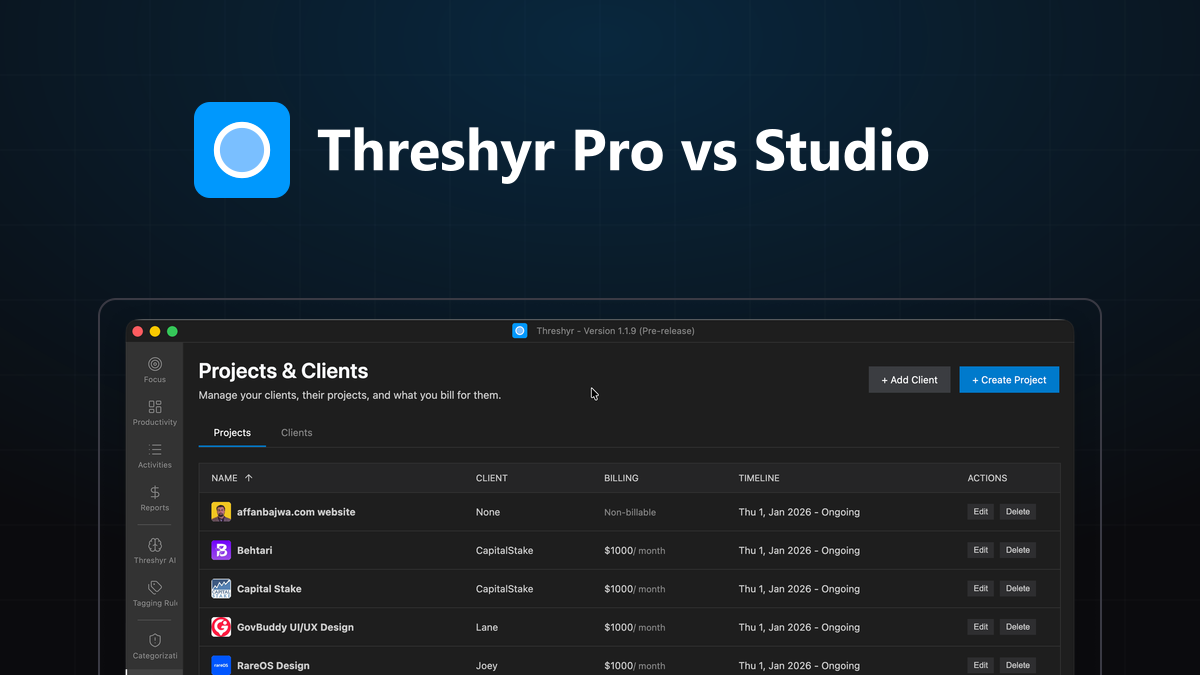
Threshyr Pro vs Threshyr Studio: Which Edition Fits Your Workflow?
Compare Threshyr Pro and Threshyr Studio side by side. Discover whether the free offline Kanban board or automatic AI background tracking fits your daily work.


The Best Time Trackers in 2026, Compared Honestly
An honest comparison of the best time trackers in 2026 across privacy, automation, team monitoring, and pricing to help you choose the right tool.