
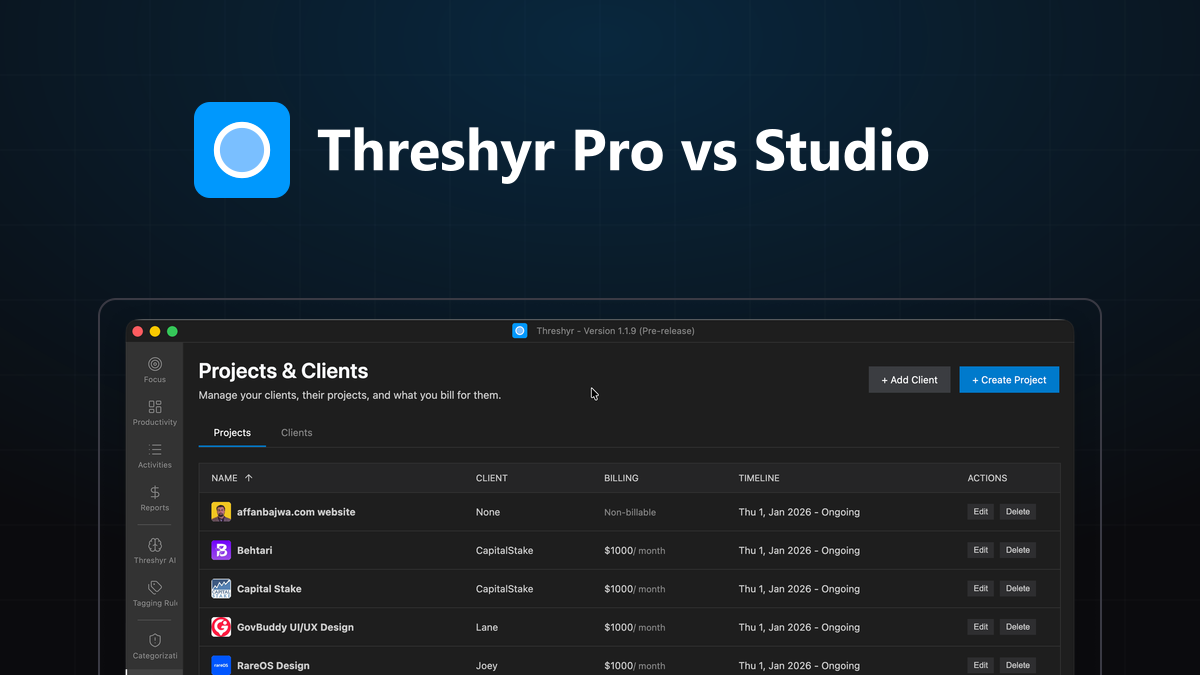
When software companies expand their product lineup, they usually add expensive tiers that lock previously free features behind enterprise paywalls. At Threshyr, we took the opposite approach: rather than building a single bloated application that forces every user into the same mold, we designed distinct, purpose-built desktop editions for how different people actually work.
Two of our primary editions are Threshyr Pro and Threshyr Studio.
While both editions share our foundational philosophy—100% offline local data storage, zero cloud telemetry, and complete data privacy—they solve fundamentally different daily problems.
One is an intentional, free Kanban task management and client billing tool. The other is a fully automated background time tracker powered by on-device AI.
Here is an honest, side-by-side comparison to help you choose the right edition for your computer.
How Do Threshyr Pro and Threshyr Studio Compare Side by Side?
Threshyr Pro is a 100% free offline productivity tool designed around an integrated Kanban board and intentional task billing, while Threshyr Studio is an automated background engine that passively records and classifies your entire desktop day without manual input.
| Feature / Dimension | Threshyr Pro | Threshyr Studio |
|---|---|---|
| Primary Workflow | Intentional Kanban Board + Task Timers | Passive, 100% Automatic Background Capture |
| Pricing | 100% Free Forever | $29 / year (Pre-release) · $58 regular |
| Store Distribution | Microsoft Store & Mac App Store | Direct Native Windows & macOS Installers |
| System Permissions Needed | None (Standard app sandbox) | Accessibility & Window Management APIs |
| Background Window Tracking | No (Only records tasks you click) | Yes (Logs active window titles and browser tabs) |
| On-Device AI Classification | No | Yes (Local ML categorization engine) |
| Kanban Task Board | Yes (Built-in task columns & cards) | No (Timeline & block-based views) |
| Client Billing & Rates | Yes (Hourly rates & unbilled totals) | Yes (Project rates & invoicing summaries) |
| Focus & Productivity Scores | No | Yes (Focus vs. distraction metrics) |
| Cloud Accounts Required | None (Zero logins) | None (Zero logins) |
| Data Storage Location | Local SQLite on your drive | Local SQLite on your drive |
What Is Threshyr Pro and How Does Its Fused Kanban Board Work?
Threshyr Pro is a free desktop application for freelancers, contractors, and solo developers that fuses an agile Kanban task board with built-in time tracking and client billing reports. Instead of forcing you to use separate project management and stopwatch apps, Threshyr Pro puts your tasks, timers, and billable hours on a single offline screen.
In traditional setups, you plan tasks in Trello, Linear, or Notion, and then manually re-type those tasks into a timer like Toggl or Clockify. That constant context switching creates friction, and within weeks, most people abandon updating their task boards.
In Threshyr Pro, time tracking lives directly inside each Kanban card:
- You organize client deliverables into custom columns (e.g.,
To Do,In Progress,Review,Done). - When you begin working, you click the timer directly on the task card or log hours manually.
- The time records immediately against that specific client and project rate.
- At the end of the month, Threshyr Pro compiles those logged tasks into clean billing summaries showing exactly what you are owed.
Threshyr Pro requires no background OS permissions, collects zero screen data, and is permanently free.
What Is Threshyr Studio and How Does Automatic Background Tracking Work?
Threshyr Studio is a commercial, fully automated desktop time tracker that runs silently in your operating system background, observing active applications and document titles to reconstruct your workday without manual timers.
Instead of demanding that you remember to start or stop a clock, Threshyr Studio operates passively:
- Silent Background Observation: It monitors active application windows (like VS Code, Figma, Terminal, and supported browsers) and timestamps transitions.
- On-Device AI Classification: An offline machine learning engine runs locally on your computer to classify messy window titles into coherent project buckets without sending data over the network.
- Day in Blocks: At the end of the day, your hours are structured into a clean visual timeline of continuous focus sessions, complete with productivity metrics and distraction analysis.
- Deterministic Rule Engine: You can define granular regex rules (e.g., matching client folder paths or staging URLs) to ensure client work is tagged with second-by-second accuracy.
Threshyr Studio is built for professionals whose work is too fast-paced or fragmented to stop and start manual timers.
Why Does Threshyr Pro Require Zero System Accessibility Permissions?
Threshyr Pro requires zero system accessibility or screen recording permissions because it does not observe or inspect your background desktop activity. It operates within a standard sandboxed desktop environment, recording only the specific tasks and hours you explicitly choose to enter.
For many professionals, this distinction is critical:
- High-Security Corporate Laptops: Many enterprise contractors, government consultants, and corporate employees use locked-down laptops where IT policies strictly prohibit granting Accessibility, Automation, or Screen Recording entitlements.
- Strict Non-Disclosure Agreements (NDAs): If your client contracts prohibit third-party software from reading window titles or process trees, Threshyr Pro provides complete compliance peace of mind.
- Minimalist Performance: Because it runs no continuous polling loops or background window observers, Threshyr Pro consumes virtually zero CPU or battery resources.
If you want a modern task management board with instant billing calculations and zero permission prompts, Threshyr Pro is designed specifically for you.
How Do Their Pricing Models and Store Distributions Differ?
Threshyr Pro is completely free forever with no subscriptions or paywalls distributed via native app stores, whereas Threshyr Studio is available directly as an annual commercial license ($29/year during pre-release).
- Threshyr Pro Distribution: Available on the Microsoft Store and Mac App Store. It is 100% free forever. There are no premium tiers, no locked features, and no credit cards required.
- Threshyr Studio Distribution: Available directly from threshyr.com/download as standalone native installers for Windows and macOS. It is free during pre-release and locks in at a flat $29/year (50% off the standard $58/year rate) with no monthly fees.
The financial difference reflects the engineering: Threshyr Studio includes an ongoing local AI engine, automatic OS hook maintenance, and active productivity algorithms, whereas Threshyr Pro is a finished, self-contained task and billing utility.
When Should You Choose Threshyr Pro Over Threshyr Studio?
You should choose Threshyr Pro if your work style is structured around planned tasks, you want an offline Kanban board, and you prefer intentional task tracking over passive background logging.
Threshyr Pro is the ideal choice if:
- You like planning your week visually: You want cards, columns, and task priorities where moving an item to "Done" gives you a clear sense of progress.
- You work on locked-down client machines: You cannot grant system accessibility permissions or your employer bans automated activity observers.
- You want zero software costs: You need professional invoicing calculations, client project management, and task timesheets without paying a cent.
- You dislike automatic categorization: You prefer knowing that only the exact work you clicked "Start" on is ever recorded.
When Is Threshyr Studio the Better Investment for Power Creators?
You should choose Threshyr Studio if you switch between dozens of apps every hour, constantly forget to run manual timers, and need an automatic, audit-proof record of your billable day.
Threshyr Studio is the right investment if:
- You suffer from timer amnesia: You frequently forget to click start when beginning an urgent client fix, or you leave stopwatches running accidentally overnight.
- You juggle multi-client context switching: You jump between code repositories, Figma designs, Slack channels, and browser pull requests across three different clients in a single morning.
- You want deep focus metrics: You want to know your daily focus percentage, identify your worst distraction triggers, and review your day organized into cohesive time blocks.
- You want total automation: You want to close your laptop at 5:00 PM and see your timesheets already prepared, tagged, and ready to bill.
Can You Use Both Threshyr Pro and Threshyr Studio on the Same Computer?
Yes, you can run both Threshyr Pro and Threshyr Studio side by side on the same computer because they are completely separate native desktop applications with independent local databases.
Many power users find a hybrid workflow effective:
- They use Threshyr Pro as their operational command center—tracking backlog deliverables, setting project due dates, and organizing client milestones on their Kanban board.
- They run Threshyr Studio silently in the background—letting its on-device AI capture their real-world application activity and generate unassailable timeline proof for their invoices.
Because neither app connects to external servers or uses cloud synchronization, both run independently and quietly on your drive without conflict.
Which Threshyr Edition Should You Download Today?
The right edition comes down to whether you want an intentional task board or automatic background tracking:
- Download Threshyr Pro from the Microsoft Store if you want a clean, 100% free offline Kanban board with integrated task timers and client billing reports.
- Download Threshyr Studio from /download if you want hands-free, automatic background tracking powered by on-device AI for $29/year during pre-release.
Both editions guarantee absolute privacy: your data remains on your physical hardware, never leaves your machine, and belongs exclusively to you.

Written by Affan Bajwa
Founder of Threshyr. Passionate about local-first software architecture, developer productivity, and building privacy-first tools for knowledge workers.
Track your time automatically. Without the cloud.
No timers to click. No cloud tracking. Your private window titles and project logs stay on your machine forever.
Available for Windows & macOS • Pre-release at $29/yr
Related Articles

The Best Time Trackers in 2026, Compared Honestly
An honest comparison of the best time trackers in 2026 across privacy, automation, team monitoring, and pricing to help you choose the right tool.

Threshyr Studio vs Hubstaff, Time Doctor, Insightful and ActivTrak
Why Hubstaff, Time Doctor, Insightful, and ActivTrak are built for employer oversight, and what to use instead for personal time tracking.