
Threshyr and Memtime (formerly TimeBro) represent the closest architectural match in the automatic time tracking category. Both applications operate on a strict local-first philosophy: they run quietly in the background on your desktop, record active windows automatically, and store your activity history strictly on your physical hard drive.
Because both tools respect your data privacy, the comparison comes down to what happens to that raw activity log after it is captured, and what each tool costs over three years of daily usage.
Quick Summary:
- Choose Threshyr if: You aim to improve your productivity and want 100% automatic background tracking, activity classification done offline by AI based on tagging rules, zero cloud telemetry, and a flat $29/yr pre-release ($58/yr regular).
- Choose Memtime if: You work in an agency or enterprise that requires you to drag recorded local timeline blocks directly into external project management tickets (Jira, Asana, SAP, ClickUp).
How Do Threshyr and Memtime Compare in a Direct Evaluation?
Both capture your day offline, and the split is whether you interpret the timeline yourself or receive it categorised.
| Feature | Threshyr | Memtime |
|---|---|---|
| Data Privacy | ✅ Local only | ✅ Local only |
| Tracking Method | ✅ Automatic background | ✅ Automatic background |
| On-Device AI Classification | ✅ Yes | ❌ No (Visual timeline dragging) |
| Self-Learning Rules | ✅ Yes (Corrections become rules) | ❌ No (Manual project mapping) |
| Client Billing Reports | ✅ Hours worked and amounts owed | ✅ Project exports & integrations |
| PM Tool Integrations | ❌ No (Standalone) | ✅ 50+ (Jira, Asana, SAP, etc.) |
| Supported Platforms | ✅ Windows, macOS | ✅ Windows, macOS, Linux |
| Pricing | ✅ $29/yr pre-release ($58/yr regular) | ❌ $15–$30/user/month (Billed annually) |
What Is the Difference Between Automatic Capture and Automatic Categorization?
Both applications capture background activity without manual timers, but they process that raw data differently.
Memtime focuses on high-resolution chronological capture. It visualizes your day in small time increments, displaying exactly which application, document, or browser tab was in focus. However, Memtime leaves the primary burden of categorization to you: you review the visual timeline at the end of the day or week, drag across activity blocks, and map them into external project management tickets or client accounts.
Threshyr goes one step further by categorizing your day automatically. It arrives with hundreds of common applications and websites pre-assigned into productive, neutral, and unproductive categories.
For project attribution, Threshyr AI evaluates window titles directly on your machine. When it is confident about an assignment, it categorizes the session automatically. When it is uncertain, it holds the entry back for quick verification. When you correct an assignment, Threshyr saves that correction as a permanent rule, so next week requires less manual intervention than this week.
If you are exploring other automated timeline tools, see our breakdown of Threshyr vs Timing and Threshyr vs Timely.
How Do Their Target Audiences and Workflow Integrations Differ?
Memtime is built for people who must log their hours into someone else’s system. Threshyr is built for people who answer only to themselves:
Memtime is built primarily for professionals inside corporate environments or enterprise agencies who must log hours into existing project management ecosystems. It connects directly with over fifty external platforms (Jira, Asana, SAP, and ClickUp among them), allowing users to drag locally captured time straight into corporate billing tickets.
Threshyr is built for independent developers, designers, and solo freelancers who want a self-contained tracking and reporting system. It includes built-in client management, project rate tracking, and reports that calculate hours worked, hours billed, and outstanding monetary balances without requiring external project management subscriptions.
How Do Threshyr and Memtime Compare on Three-Year Cost of Ownership?
Threshyr costs $29 per year. Memtime is priced per seat per month for agency and enterprise use, which changes the three-year arithmetic considerably:
- Memtime Plans: Roughly $15 to $30 per user per month across the Basic, Connected and Premium tiers, which works out at about $180 to $360 a year.
- Memtime Three-Year Cost: $540 to $1,080 per user.
Threshyr operates on a flat, single-licence annual model:
- Pre-Release Licence: $29 per year during pre-release (once pre-release ends, standard pricing is expected to be around $58 per year).
- Threshyr Three-Year Cost: $87 at pre-release pricing ($174 at standard renewal).
Threshyr includes all features in one licence with no tier paywalls and no per-seat pricing.
Where Does Memtime Pull Ahead with Third-Party Project Systems?
Memtime is a mature, specialized tool that holds clear advantages for specific workflows.
First, extensive project management integrations. If you work in an agency or enterprise that requires you to log time directly against specific tickets in Jira, Asana, Azure DevOps, or SAP, Memtime’s two-way synchronization allows you to pull project tasks from those systems and push recorded intervals back into them.
Second, visual timeline reconstruction. Memtime’s side-by-side timeline interface is exceptional for reconstructing a chaotic day and dragging exact blocks into external timesheets.
Third, Linux support. Memtime offers a dedicated Linux desktop client alongside its Windows and macOS versions.
Which Offline Time Tracker Best Fits Your Billing Reality?
If your company uses Jira, Asana, or SAP and requires you to push time entries directly into those platforms from an offline desktop tracker, Memtime is the industry-standard choice that justifies its enterprise pricing.
If you are a solo freelancer or developer who wants an automatic tracker that classifies client projects on-device, learns from your corrections, and provides clear billing reports for a predictable $29 per year, Threshyr is built for you.
Competitor pricing and features checked August 2026. Vendors change both; check theirs before deciding.
Download Threshyr for Windows and macOS at /download to track your work automatically and privately for $29 per year during pre-release.

Written by Affan Bajwa
Founder of Threshyr. Passionate about local-first software architecture, developer productivity, and building privacy-first tools for knowledge workers.
Download Threshyr Studio
Free to use during pre-release on Windows and macOS. No account, no card, no sign-up required.
Related Articles
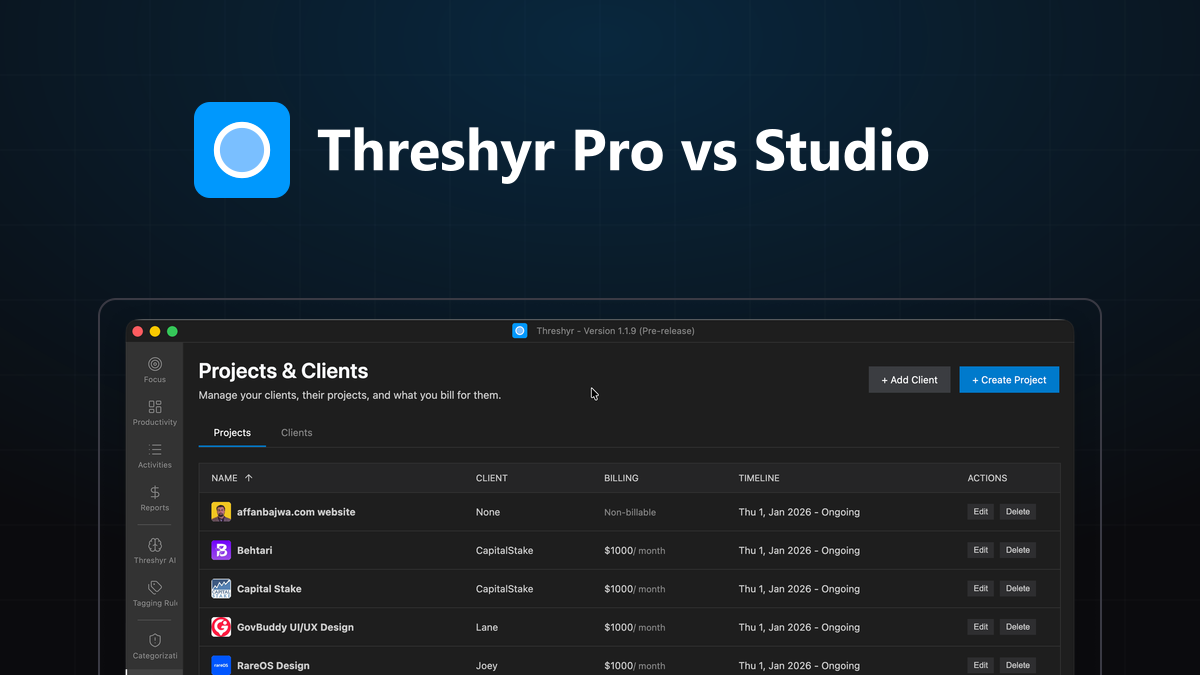
Threshyr Pro vs Threshyr Studio: Which Edition Fits Your Workflow?
Compare Threshyr Pro and Threshyr Studio side by side. Discover whether the free offline Kanban board or automatic AI background tracking fits your daily work.


The Best Time Trackers in 2026, Compared Honestly
An honest comparison of the best time trackers in 2026 across privacy, automation, team monitoring, and pricing to help you choose the right tool.