
The transition from undergraduate coursework to graduate research is accompanied by a subtle but disorienting shock: the complete disappearance of external structure.
In an undergraduate program, your week is governed by rigid guardrails: weekly problem sets, reading quizzes, scheduled labs, and fixed midterm dates. If you fall behind, a grade on a portal tells you immediately.
In a master’s thesis or PhD program, those guardrails evaporate. You are handed a desk in a lab, a reading list, an overarching research question, and an advisor who expects to see tangible progress every few weeks. No one checks whether you spent Tuesday morning reading foundational papers, analyzing data in Python, or lost three hours down a Wikipedia rabbit hole on obscure experimental methodologies.
Weeks blur together. You feel perpetually exhausted, yet when your advisor asks the dreaded question during your bi-weekly check-in—"So, what did you accomplish this week?"—your mind goes blank.
Research does not move in straight lines. But tracking your research hours is the single most effective way to restore agency, maintain intellectual stamina, and protect your mental health during the multi-year marathon of a dissertation.
Why Corporate Trackers and Habit Apps Fail in Academia
When graduate students attempt to track their research, they usually reach for one of two tool categories, both of which are poorly suited to academic life:
1. Corporate Project Management Tools
Software like Jira, Asana, Toggl, or Harvest is designed for corporate billable workflows. They demand client codes, billable hourly rates, project tags, and multi-user approval pipelines. For an academic researcher working independently, configuring client hierarchies and billable flags is unnecessary administrative friction that gets abandoned by week three.
2. Gamified Mobile Habit Apps
Mobile timers like Forest or Pomodoro counters encourage short twenty-five-minute bursts by growing virtual trees or awarding points. But deep research cannot be gamified into twenty-five-minute slices:
- You cannot read a dense, 40-page mathematical paper or parse a dense theoretical framework in twenty-five minutes.
- Keeping your smartphone sitting face-up next to your reference texts creates an ongoing cognitive pull, inviting notifications, message checks, and email interruptions.
- Mobile habit apps produce zero structured timesheets you can actually show an advisor or grant committee.
3. The Unspoken Liability of Cloud Sync for Pre-Published Work
Most modern cloud trackers stream active window titles, document filenames, and research notes to third-party databases. For graduate students working on proprietary corporate-sponsored research, patentable drug compounds, unannounced algorithms, or confidential ethnographic data, transmitting your file paths and notes across commercial cloud servers is a genuine intellectual property risk.
Academic research requires a dedicated tool that is quiet, desktop-native, and strictly local to your machine.
The Four Research Streams: Structuring Your Thesis Hours
The primary mistake graduate students make when tracking time is treating "Research" as a single monolithic block. Logging "Thesis: 6 hours" tells you nothing about where your cognitive energy actually went.
To gain actionable insight into your progress, divide your research into four distinct streams:
                       ┌───────────────────────────────┐
                       │   Graduate Research Streams   │
                       └───────────────┬───────────────┘
          ┌─────────────────┬──────────┴──────────┬─────────────────┐
          ▼                 ▼                     ▼                 ▼
   1. Literature     2. Lab & Data         3. Writing        4. Admin & Lab
   (Papers, Notes)   (Code, Synthesis)    (Drafting, Edits)   (Meetings, TA)
1. Literature & Discovery (Input)
- Reading journal papers and books
- Taking structured literature notes
- Annotating citations and methodology analyses
2. Execution & Data (Process)
- Running wet-lab experiments or simulations
- Cleaning datasets and writing analysis scripts
- Archiving raw data and verifying reproducibility
3. Writing & Synthesis (Output)
- Drafting chapter sections and methodology overviews
- Designing figures, charts, and diagrams
- Revising text based on committee or peer feedback
4. Academic Maintenance (Overhead)
- Advisor meetings and lab group presentations
- Teaching Assistant (TA) grading and office hours
- Departmental seminars and grant compliance
When you separate your hours into these four streams, the diagnosis of your research roadblocks becomes immediately clear. If your thesis draft has not progressed in a month, your timesheets will reveal why: you spent 80% of your time in Literature and Admin, while Writing received less than two hours a week.
Setting Up Thesis Tracking in Threshyr Edu
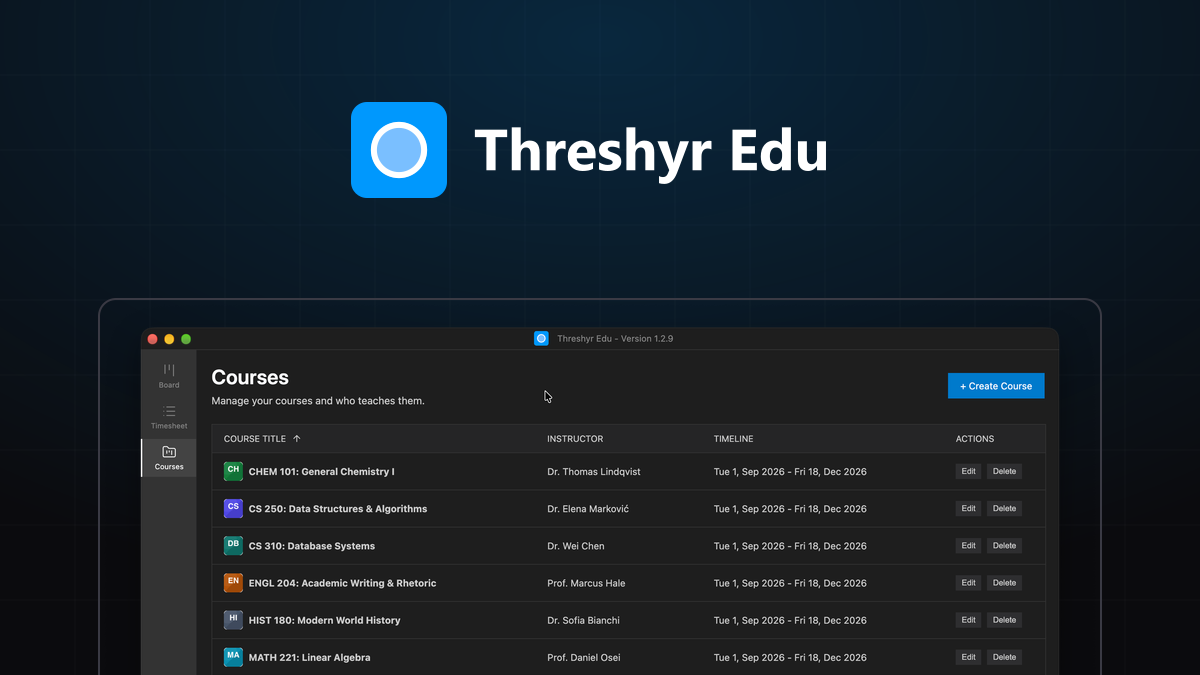
We built Threshyr Edu specifically to provide students and researchers with a quiet, structured, and private environment to log academic work. It is 100% free forever, contains no ads, requires no account or cloud sync, and runs locally on your PC.
Here is how to structure your thesis tracking in Threshyr Edu:
Step 1: Use Courses as Research Streams
Instead of undergraduate classes, configure your core research streams as "Courses" inside Threshyr Edu:
Thesis: Writing & DraftingThesis: Data Analysis & LabThesis: Literature & TheoryAcademic: TA Duties & Seminars
Step 2: Log Tasks Deliberately Before Starting
When you sit down to work, start a focused session under the relevant stream with a clear, specific outcome:
- Writing: Chapter 3 Methodology Draft (Sec 3.2)
- Data: Running RNA-seq normalization pipeline in R
- Lit: Reading Miller & Tanaka (2024) on neural substrates
By naming your task before you begin, you anchor your cognitive attention to a singular deliverable rather than vague "studying."
Step 3: Turn Timesheets into Advisor Reports
Before your weekly or bi-weekly committee meeting, open your Timesheets view in Threshyr Edu.
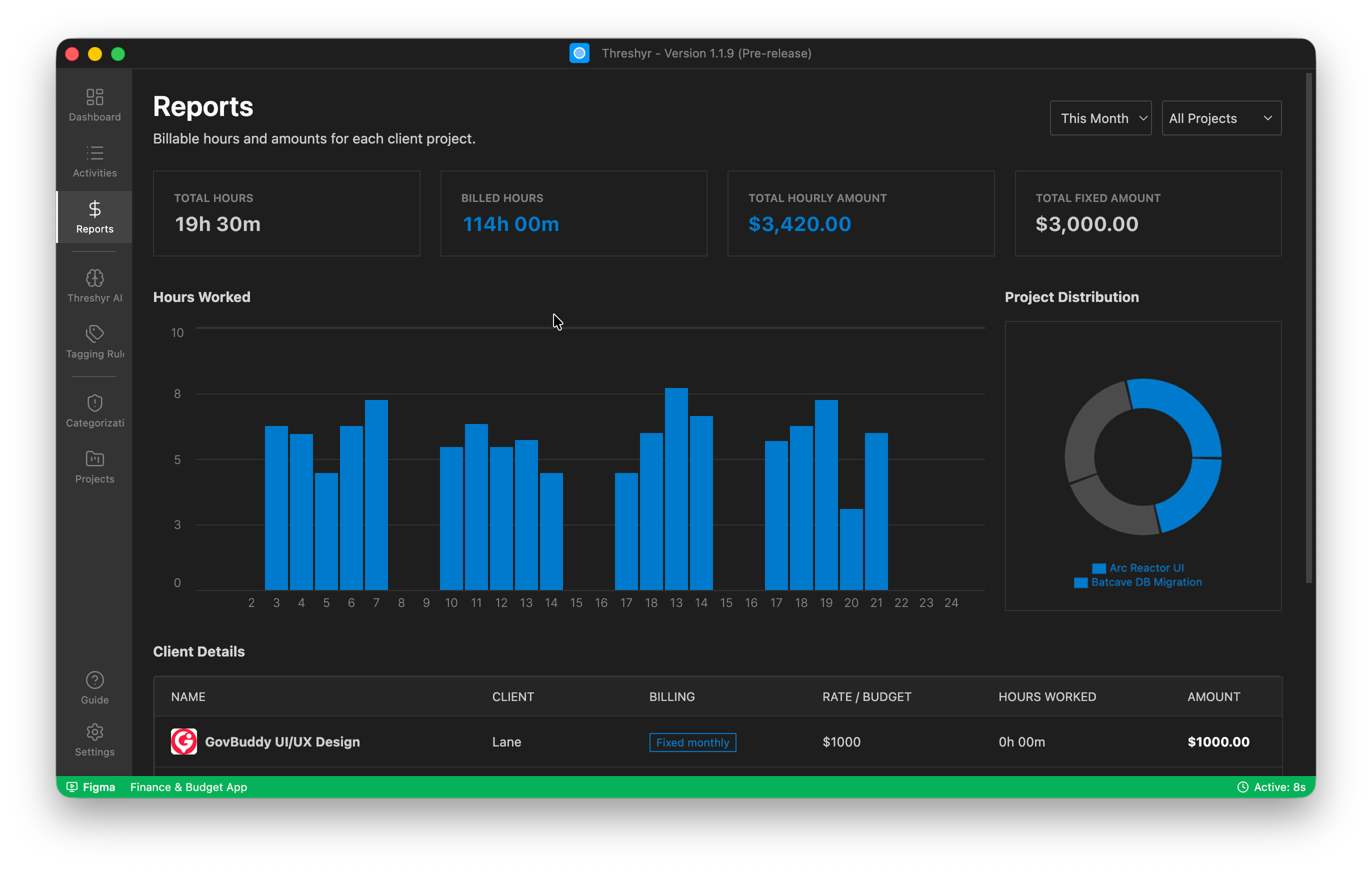
Instead of offering vague assurances ("I've been working on the literature review"), you can present objective, professional data:
"Over the last two weeks, I logged 48 total research hours: 22 hours on data pipeline refactoring, 16 hours reading twelve papers on error bounds, and 10 hours drafting Section 2.4. Here is the draft."
Advisors respect data. When you demonstrate that you track your output with deliberate rigor, advisor relationships shift from micromanagement to productive academic mentorship.
Combating Impostor Syndrome with Concrete Evidence
Impostor syndrome is endemic to graduate school because intellectual breakthroughs are infrequent. You can spend thirty hours debugging a mathematical model or optimizing an assay only for the results to be inconclusive. In the absence of immediate external validation, your brain tells you that you accomplished nothing.
Your timesheet is the objective antidote to that lie.
Even when an experiment yields null results or a draft needs a complete rewrite, your logged hours prove that you showed up, performed the intellectual labor, and tested the hypothesis. In academia, that effort is not wasted time; it is the research process itself.
Quiet, Private Accountability for Academic Research
A dissertation is the largest independent intellectual project you will ever undertake. Do not leave your time allocation to guesswork, and do not surrender your research notes or window histories to third-party corporate servers.
Treat your research hours with the structure, dignity, and private accountability they deserve.
Download Threshyr Edu for Windows completely free from the Microsoft Store—no subscription, no cloud accounts, and zero distractions.

Written by Affan Bajwa
Founder of Threshyr. Passionate about local-first software architecture, developer productivity, and building privacy-first tools for knowledge workers.
Track your time automatically. Without the cloud.
No timers to click. No cloud tracking. Your private window titles and project logs stay on your machine forever.
Available for Windows & macOS • Pre-release at $29/yr
Related Articles
Credit Hours vs Reality: Auditing How Much Time Your Degree Actually Takes
Universities claim that every credit hour requires 2–3 hours of outside study. Here is how to audit your real coursework hours using Threshyr Edu timesheets.

Why Med and Law Students Are Ditching Gamified Phone Timers for Desktop Tracking
Why studying for the USMLE, Bar Exam, or MCAT demands moving away from gamified mobile timers toward distraction-free desktop tracking with Threshyr Edu.